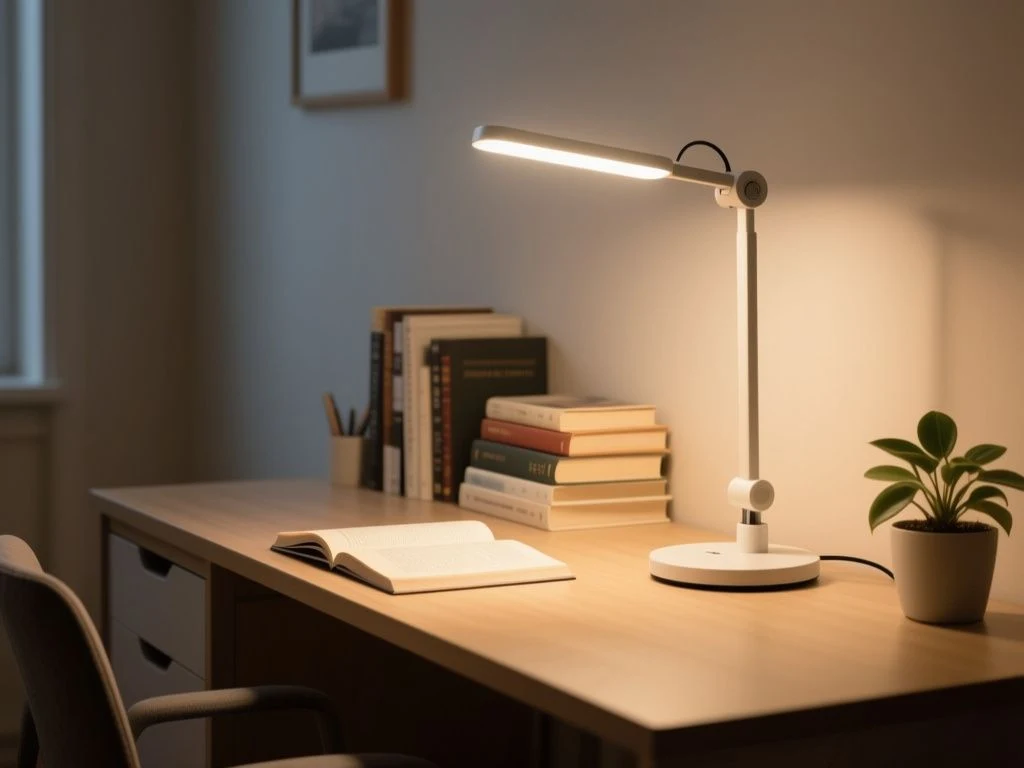
Could a lamp with a high lumen figure still leave your paperwork dim and your monitor covered in reflections? A useful desk-lamp guide distinguishes light delivered to the work surface from the lamp’s advertised output: lumens alone cannot show whether a desk will be evenly lit or whether the user’s eyes will face glare. It also treats the LED, diffuser, dimming controls, and power supply as one system, because flicker, heat, color consistency, and compatibility often come from the driver and optical design rather than the LED package alone. That is the right starting point for a desk lamp buying guide.
Key Takeaways
- Use lux, beam control, and placement to judge light reaching the desk; lumens describe total output.
- Check CCT, CRI, diffuser quality, dimming behaviour, and driver details as one lighting system.
- Treat joints, fasteners, cable routing, ventilation, and power-supply compatibility as seriously as the lamp’s finish.
Beginner: Start with the light your desk actually receives
Lumens and lux answer different questions
Lumens describe the lamp’s total light output. Lux describes the light reaching a surface. A lamp can publish an impressive lumen figure yet send much of that light sideways, toward the wall, or into the user’s eyes instead of across the keyboard and notebook.
Lux is the more useful desk-level measure because work happens on the desk, not inside the lamp housing. Beam direction, distance, shade design, diffuser size, and arm position all determine the result at the work surface. The manufacturer does not always provide a desk-level lux figure, so a missing lux specification is worth treating as a genuine gap rather than filling it with the lumen number.
A desk lamp’s lux at the work surface depends on beam direction, distance, and shade design. That sentence should guide the entire purchase.
Choose brightness by task
Reading and writing need light that reaches the page evenly without creating a bright spot in the centre and a dim falloff at the edges. Drawing, drafting, sewing, and other close work place greater demands on even coverage because the hand, tool, and paper can move across a larger area. A narrow beam may look bright on one spot while leaving the rest of the project poorly served.
Computer work has a different problem. The lamp must illuminate notes and the keyboard without competing with the screen. A very bright source near the monitor can create reflections or a high-contrast patch in the user’s field of view, making the display harder to read even though the desk itself looks well lit.
- Reading: look for broad, controlled light over the page rather than a small intense hotspot.
- Writing: prioritise arm movement, shadow control, and a diffuser that prevents the LED points from appearing directly in view.
- Drawing and crafts: favour adjustable reach and consistent coverage across the active work area.
- Computer work: keep the light off the screen surface and aim for balanced ambient room lighting around the monitor.
Published lux figures are useful only if the listing explains where and how they were measured. A lux number without measurement distance, beam position, or coverage area cannot tell you how much of the desk will be comfortable to use.
Use colour temperature with the room in mind
Correlated colour temperature, or CCT, describes whether light appears warmer or cooler. The verified range for clear illumination from LED desk lamps is 2700K to 4500K. Warmer light can sit more comfortably with evening room lighting, while cooler settings can make paper and work surfaces appear crisper during focused tasks.
That range is broad enough to cover several home-office moods, but a higher CCT is not automatically better for concentration. The desk lamp should agree with the ambient room lighting rather than create a stark island of cool light beside a warm wall lamp. Evening users may prefer a warmer setting as part of a circadian-friendly lighting plan, though CCT alone does not determine comfort.
CCT describes the apparent colour of light, not its glare, flicker, beam spread, or visual comfort. A lamp with adjustable CCT is useful only if its diffuser and dimmer remain agreeable across the settings.
Understand what CRI can and cannot tell you
Color rendering index, or CRI, indicates how faithfully a light source renders colours compared with a reference. A CRI rating spanning 85 to 100 is recommended for LEDs used in desk lamps. That matters most for coloured drawings, fabric, printed images, makeup application, and any work where subtle colour differences carry meaning.
Higher CRI can make paper, ink, and coloured materials easier to distinguish, but CRI does not by itself guarantee visual comfort. Diffuser design, source luminance, beam spread, flicker, dimming behaviour, and adjustability still shape the experience at the desk.
Beginner: Control glare, shadows, and monitor reflections
Placement changes the lamp more than the finish does
Glare comes from excessive brightness reaching the eye directly or reflecting from a surface. A glossy page can bounce the source back toward the user. A monitor can show a bright reflection that competes with text. Glasses may catch the same source at an angle, especially if the lamp sits close to the user and slightly behind the screen.
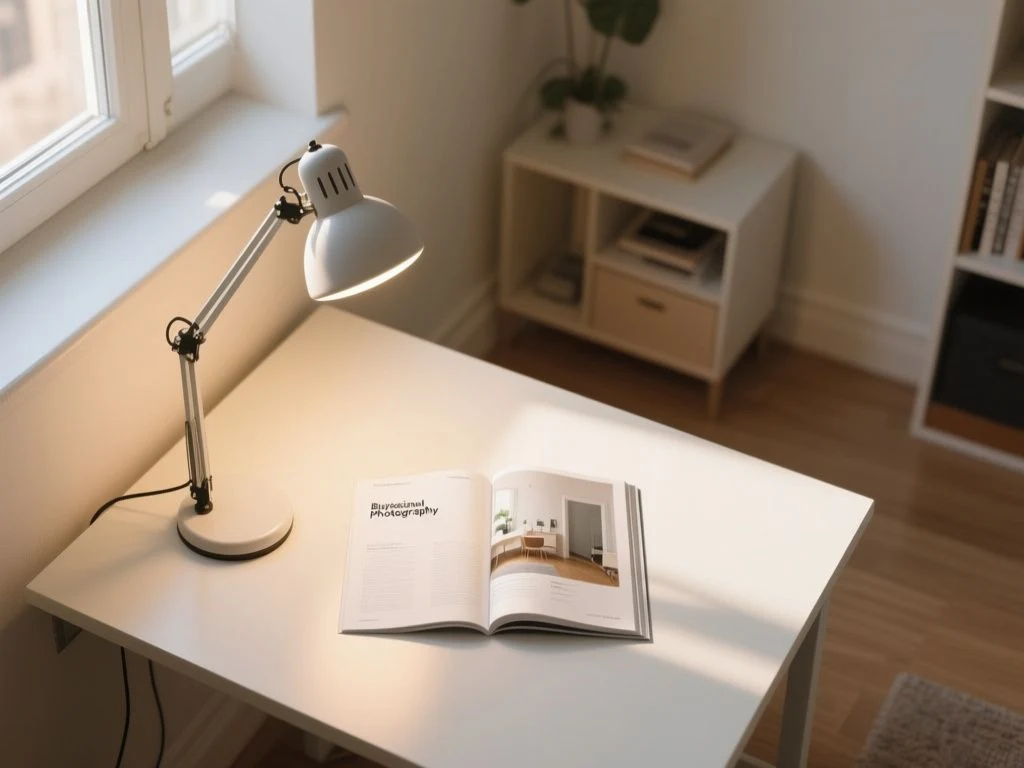
Position the lamp so the shade or diffuser is outside the direct line of sight. Aim the beam at the work surface, not at the monitor. The exact position depends on the desk, screen, handedness, and task, but the light should support the hand rather than cast the hand’s shadow across the work.
For right-handed users, the optimal placement is generally the left side of the desk. Left-handed users may prefer the opposite side for the same reason: the dominant hand is less likely to block the beam while writing or drawing.
A right-handed user should normally place the primary desk lamp on the left side to reduce hand shadows across the page. The monitor still needs separate attention because a lamp can avoid hand shadows and create screen glare at the same time.
Adjustable arms versus fixed bodies
An adjustable arm is valuable when the desk serves several roles. Reading, video calls, drafting, and computer work each place the useful beam in a different position. A fixed lamp can be perfectly adequate for one stable task, but its usefulness depends on the original height and reach staying right for the desk.
Joints deserve the same scrutiny as the shade. The Koncept Z-Bar Mini listing describes three joints, 360-degree rotation and bending, and a maximum height of 2 feet over the desk surface. Those figures describe movement on paper; they do not tell you whether the fasteners remain tight, whether the arm stays in position, or whether the base is heavy enough for the reach.
That is where a sceptical look at assembly matters. A polished arm with vague hardware information is unfinished information. Look for clearly identified joint fasteners, accessible tightening points, strain relief where the cable enters the body, and a base that matches the arm’s reach.
Shadows are useful clues
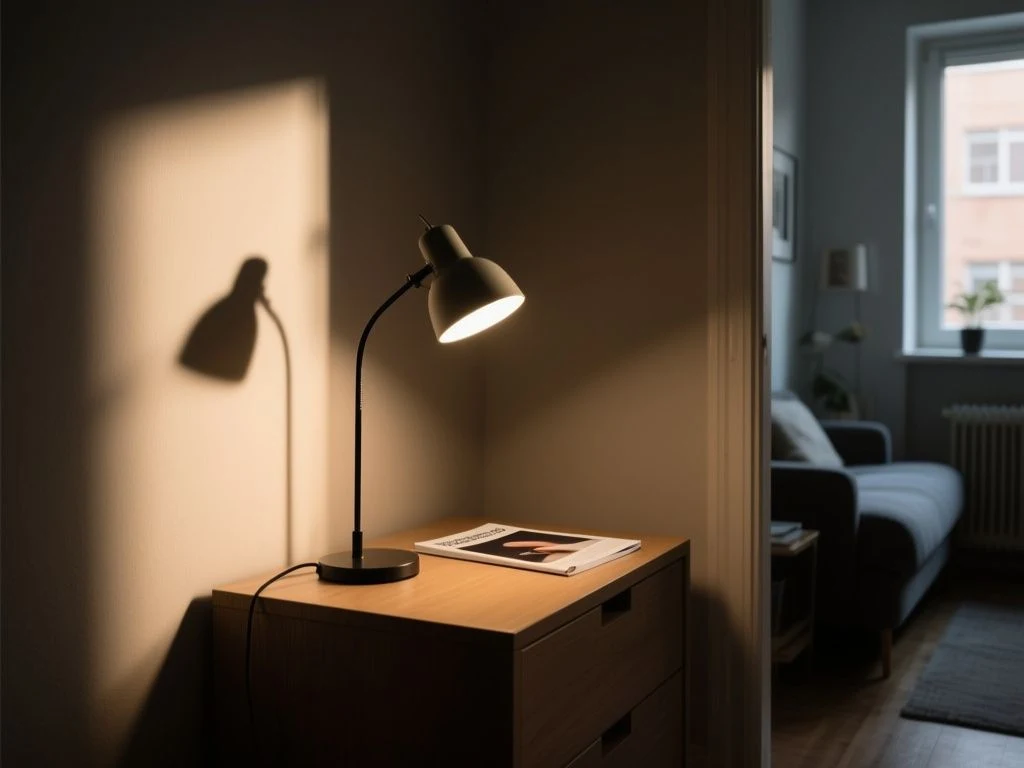
Soft, broad light tends to produce less severe shadow edges than a small exposed source. A diffuser can spread the apparent source area, but the listing must explain enough about the optical design for you to judge it. If the product page shows individual LED points through the shade, direct viewing may be less comfortable than the photograph suggests.
Layered lighting also helps. The comparison of task lighting and overhead lighting explains why a desk lamp works better as part of a room’s lighting plan than as the only source in a dark office.
Intermediate: Read the LED, driver, and power details together
How an LED desk lamp works
A light-emitting diode produces light when electrical current passes through its semiconductor junction. A desk lamp does not usually connect the LED package directly to a household outlet; the electrical system needs a driver or power adapter that supplies the form of power the lamp requires.
The driver is central to the lamp’s behaviour. It can influence dimming, flicker, heat management, colour consistency, and compatibility with the control system. The LED package may be listed clearly while the driver receives barely any attention, yet the driver can determine how the lamp behaves at lower brightness.
An LED desk lamp is a system made from the LED package, optics, diffuser, driver, controls, and power supply. Buying by diode count alone is therefore a weak method.
The Koncept Z-Bar Mini listing states that the lamp contains 28 LEDs. That count does not establish brightness, evenness, CRI, flicker performance, or thermal behaviour. It is a component detail, not a complete account of the light delivered to the desk.
Why flicker matters even when the eye cannot see it
LED flicker can result from driver design, especially when the current supplied to the LED changes with the electrical waveform or with dimming. Some modulation may be obvious as visible pulsing; other modulation may not appear to flicker while still making the light feel uncomfortable for particular tasks or users.
Brightness controls deserve careful reading. A lamp that dims smoothly on paper may use a control method that changes the driver’s output in a way that creates unwanted modulation. A listing that mentions a dimmer but says nothing about dimming behaviour, driver type, or flicker should not be treated as fully specified.
IEEE publishes IEEE 1789 guidance concerning flicker in LED lighting, but a product page may not provide enough test information to apply that guidance to a particular lamp. Ask whether the manufacturer supplies flicker data across the dimming range rather than relying on the absence of visible pulsing.
Power adapters and USB-C compatibility
A separate power adapter is not automatically a flaw. The adapter may be required to convert household power into the electrical supply the lamp’s driver needs. The important point is compatibility: voltage, current, connector type, polarity where relevant, and the lamp’s stated input requirements must agree.
USB-C adds a further layer because a USB-C socket does not by itself prove that every USB-C charger can power the lamp. USB-C Power Delivery can involve negotiated power levels, so the lamp listing should state the required input and whether a suitable adapter is included. A high-output charger should never be treated as a universal substitute without checking compatibility.
Electrical safety depends on an appropriate certified power supply, intact insulation, adequate ventilation, and compatibility between the lamp and the charger or outlet. The International Electrotechnical Commission maintains IEC 60598-1, the general standard for luminaires, and IEC 62471, which addresses photobiological safety of lamps and lamp systems; a buyer should look for the relevant compliance information from the manufacturer rather than assume that a familiar connector proves compliance.
Hardware is where flat-pack claims meet reality
The priority is simple: inspect the hardware before admiring the finish. A desk lamp with several joints needs fasteners that can be tightened without damaging the housing, washers or spacers where the construction calls for them, and cable routing that does not pinch as the arm moves.
- Check whether the base attaches with ordinary screws or a proprietary fitting.
- Look for an assembly diagram that labels every fastener and shows the correct order.
- Confirm that the cable exits through strain relief rather than a sharp opening.
- Check whether joint tension is adjustable and whether the adjustment tool is supplied.
- Look for ventilation openings that will remain clear after the lamp is placed against a wall or shelf.
The listing may provide material, colour, dimensions, or weight, but those details are not present here for every lamp. Where the spec sheet omits base weight or joint hardware, the buyer should treat stability as unverified rather than assume that a broad-looking base will resist movement.
A desk lamp’s joint hardware determines whether an adjustable arm remains useful after assembly. Finish quality cannot compensate for a cable that binds or a fastener that cannot hold the chosen position.
Intermediate: Prevent discomfort, damage, and avoidable running costs
Heat and ventilation
LEDs generally convert electrical energy into light and heat, and the heat still needs a path away from the LED and driver. A diffuser, enclosed shade, or crowded base can affect that path. The listing should identify ventilation requirements where they matter; the user should not cover vents with paper, fabric, books, or cable bundles.
Place the lamp on a stable, clear surface. Keep the power cable away from moving joints and avoid routing it beneath a chair wheel or through a sharp desk edge. Exposed or damaged insulation is a reason to stop using the lamp, not a minor cosmetic defect.
An LED lamp needs clear ventilation around its heat-producing components. Blocking the manufacturer’s ventilation openings can change the conditions under which the electrical parts operate.
Maintenance without harming the lamp
Dust on a diffuser can reduce transmitted light and make the beam less even. Switch the lamp off, disconnect the power where the design allows, and let the housing cool before cleaning. Use a soft, dry cloth first; if the manufacturer permits a damp cloth, keep moisture away from switches, seams, connectors, and the power input.
Do not spray cleaner directly onto the shade or arm. Solvents, abrasive pads, and excess water can cloud a diffuser, damage a painted finish, or reach the electronics. A loose joint should be adjusted according to the assembly instructions, not forced with a tool against a decorative cover.
Maintenance is also an inspection. Check the cord, plug, adapter body, joint movement, base stability, and diffuser for cracks or looseness. A lamp that begins to buzz, pulse, smell hot, or show damaged insulation should be disconnected and assessed by a qualified person or replaced according to the manufacturer’s instructions.
Costs beyond the purchase
The purchase price is only one part of ownership. Electricity use depends on the lamp’s power draw, brightness setting, and time in use, but the manufacturer data supplied here does not provide a wattage figure or an energy-use estimate. Without that information, a precise running-cost calculation would be invented.
Other costs can be less visible. A proprietary power supply may be harder to replace than a standard one. A damaged diffuser, control module, or cable may require a part that the manufacturer does not list separately. Integrated LED construction can also limit repair options if the company provides no replaceable module or service information.
Ask these questions before buying:
- Does the listing state the lamp’s power requirement?
- Is the power adapter included, and is its output clearly identified?
- Can the adapter, cable, diffuser, or control be replaced?
- Does the manufacturer provide assembly and care instructions?
- Are compliance markings and the relevant electrical information visible?
The ongoing cost of a desk lamp includes electricity, replacement parts, and any proprietary power supply. A low purchase price can become less attractive if a simple failed adapter makes the whole lamp difficult to use.
Advanced: Build a decision process from the specification sheet
Step 1: Map the desk and the dominant task
Mark the area where reading, writing, drawing, or keyboard work actually happens. Note the monitor position, the dominant hand, nearby shelves, the wall outlet, and any point where a cable could snag. This takes a tape measure and a sheet of paper, not a shopping filter.
Measure the available clearance above and beside the desk, then compare it with the lamp’s stated dimensions and reach. The verified Koncept Z-Bar Mini height of 2 feet over the desk surface may suit one arrangement and conflict with a shelf or camera in another. A maximum height is not the same as a required operating height.
Step 2: Separate known specifications from missing ones
Make two columns: listed facts and unanswered questions. Put lumens, lux, CCT, CRI, LED count, dimensions, joint range, power input, adapter details, and warranty information in the first column only if the listing actually supplies them.
Place missing lux-at-desk data, driver information, flicker measurements, base weight, replacement-part availability, and USB-C requirements in the second column when the listing omits them. A clear gap is more useful than a confident guess.
A specification sheet is useful only when the stated measurement matches the buyer’s decision. Total lumens cannot replace desk-level lux, and an LED count cannot replace information about optical design.
Step 3: Inspect the optical design
Look for the position of the LED source, the shape of the diffuser, the direction of the beam, and the presence of exposed bright points. Product photography can help reveal whether the source is visible from a seated angle, though photographs do not establish flicker or measured lux.
For a monitor desk, the lamp should illuminate notes without washing across the screen. For a drawing desk, the arm should place light from the side that keeps the dominant hand from casting a strong shadow. For a shared desk, adjustable reach matters more than a fixed decorative position.
Step 4: Examine assembly before ordering
Flat-pack furniture often receives attention for its panels and finish, while the small hardware is left as an afterthought. Desk lamps reverse that order. Count the joints, identify the fasteners, find the cable path, and determine whether the base and arm are designed to work together.
Three joints and 360-degree movement can offer useful positioning, but every additional joint also creates another place where tension, cable movement, and assembly accuracy matter. The manufacturer’s listing does not state the Koncept Z-Bar Mini’s base weight or joint-fastener details, so those points remain open questions.
Step 5: Check the power path
Match the lamp’s stated input with the adapter or outlet. For USB-C models, check whether USB-C Power Delivery is required and whether the included supply meets that requirement. Never force a connector, substitute an adapter with uncertain specifications, or continue using a cord with exposed conductors.
The power supply should sit where it can stay ventilated and where its cable will not pull on the lamp. A neat cable route is a safety feature as well as a visual improvement.
Step 6: Judge the lamp in the finished room
Desk lighting works within a wider scene. A room with a bright ceiling fixture may need a lower task-light setting, while a dark room can make any desk lamp feel harsh by comparison. The linked step-by-step bedside lamp guide for 2026 covers a related decision: matching lamp character and colour temperature to the surrounding room rather than judging a light source in isolation.
Finish, colour, and form still matter. They simply come after the practical checks. The lamp must first reach the work, avoid the eyes, hold its position, and receive safe compatible power.
Advanced: Handle edge cases and common buying confusion
Are lamps marketed for eyes automatically comfortable?
No single label proves comfort. Visual comfort depends on luminance, glare, reflections, shadow placement, diffuser design, beam spread, flicker, CCT, CRI, and adjustability working together. A lamp can have a pleasant colour and high CRI while still placing a bright source in the user’s field of view.
For glasses wearers and monitor users, inspect the likely reflection path before choosing the lamp. A shade that blocks direct view may still reflect from a glossy screen if the arm is positioned behind or above the monitor.
Do SAD lamps belong on a normal desk?
A lamp intended for seasonal mood support is a separate category from ordinary task lighting. Its intended use, output, optical design, and instructions may differ from those of a desk lamp for reading or computer work. Do not treat a special-purpose light as a general office lamp merely because it fits on the desk.
Is a smart or app-controlled lamp necessary?
Control features are useful only if they improve placement and daily adjustment. A physical dimmer can be more practical than an app when the user needs a quick change while writing. The core questions remain unchanged: does the beam reach the desk, does the diffuser control glare, does the driver dim appropriately, and is the power supply compatible?
Should a desk lamp replace overhead lighting?
A task lamp is designed to support a particular work surface. Overhead lighting serves the room and can reduce the contrast between a bright screen and a dark background. Many home offices benefit from both, with the desk lamp aimed at the task and the room lighting kept comfortable around it.
The buying rule is firm: choose the optical and mechanical system first, then choose the finish. A lamp that looks right but cannot hold its arm, control glare, or explain its power requirements is not a finished decision.
Frequently Asked Questions
How bright should a desk lamp be for reading, writing, drawing, or computer work?
There is no honest single brightness number without knowing the desk, beam, distance, and room lighting. Reading and writing need even coverage over the page; drawing needs useful reach and controlled shadows; computer work needs light on notes without reflections on the screen. Use lux at the work surface when the manufacturer provides it, and treat lumens as total output rather than desk illumination.
What colour temperature and CRI should a home-office desk lamp use?
LED desk lamps with a CCT between 2700K and 4500K can provide clear illumination across warm and cooler settings. A CRI from 85 to 100 is recommended for desk LEDs when colour accuracy matters. Neither specification proves comfort alone. Diffuser design, glare control, flicker, beam spread, and the surrounding room’s lighting also affect how the lamp feels during work.
Why can an LED desk lamp flicker when I cannot see it?
The LED driver can modulate current even when the eye does not register obvious pulsing. Dimming may change that behaviour, so a lamp can appear steady at full output and behave differently at lower settings. Brightness and LED count do not establish driver quality.
Is an adjustable arm better than a fixed desk lamp?
An adjustable arm is generally more useful when one desk serves several tasks because the beam can move as the work changes. A fixed lamp can suit a stable setup, provided its height and beam already fit the desk. Inspect the number of joints, movement range, fasteners, cable routing, and base stability. The listing’s three joints, 360-degree movement, and 2-foot maximum height describe range, not holding strength.
How should I clean and maintain a desk lamp safely?
Switch the lamp off and disconnect it where practical before cleaning. Use a soft, dry cloth on the diffuser and finish; use only a lightly damp cloth if the manufacturer permits it, and keep moisture away from seams, switches, connectors, and the power input. Do not spray cleaner directly onto the lamp. Inspect the cord, adapter, joints, vents, and diffuser for damage before returning the lamp to service.
For another room-specific lighting decision, the Wall Mirror Buying Guide is useful when reflective surfaces affect how light moves through a room. The same principle applies at a desk: a reflective surface can change the apparent quality of a lamp even when the light source itself has not changed.