Good lighting fixes many office problems.
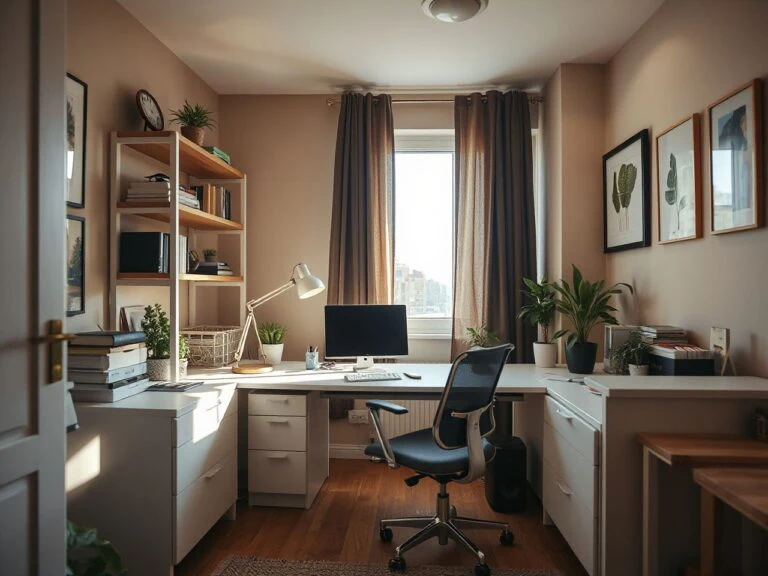
Modern home office decor works best when the visual system follows the work system. Lighting, storage, cable control, acoustics, and camera visibility should all be planned together. They shouldn’t be added later as decoration. The key difference is between minimalism that just hides objects and a functional modern style. The latter makes necessary equipment easy to use, maintain, and put away.
That is the principle behind these modern home office decor ideas. Start with the lamps, then arrange the desk, storage, seating, walls, and soft furnishings around how the room is actually used. For a broader look at related rooms, this practical guide to home office design ideas can help you compare layouts before making decorative decisions.
Key Takeaways
- Plan lighting, ergonomics, storage, cables, acoustics, and camera views as one system.
- Use a neutral base with texture, plants, artwork, and controlled contrast to avoid a cold appearance.
- Keep open shelving selective and place everyday equipment where it remains easy to reach and clean.
- Check glare, wire routes, wall structure, ventilation, and maintenance before adding decorative features.
Beginner: Build the room around light and work
Start with task lighting
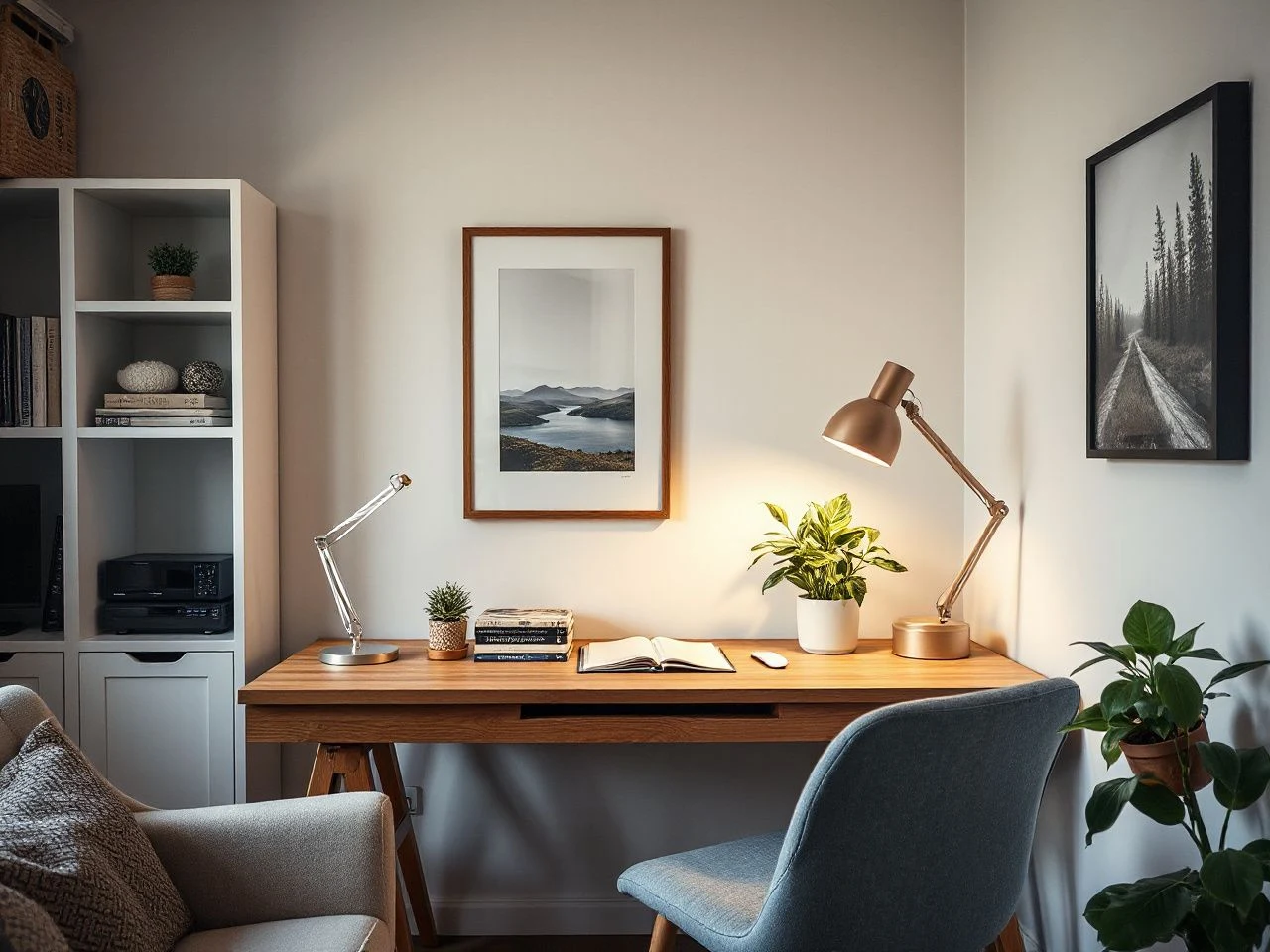
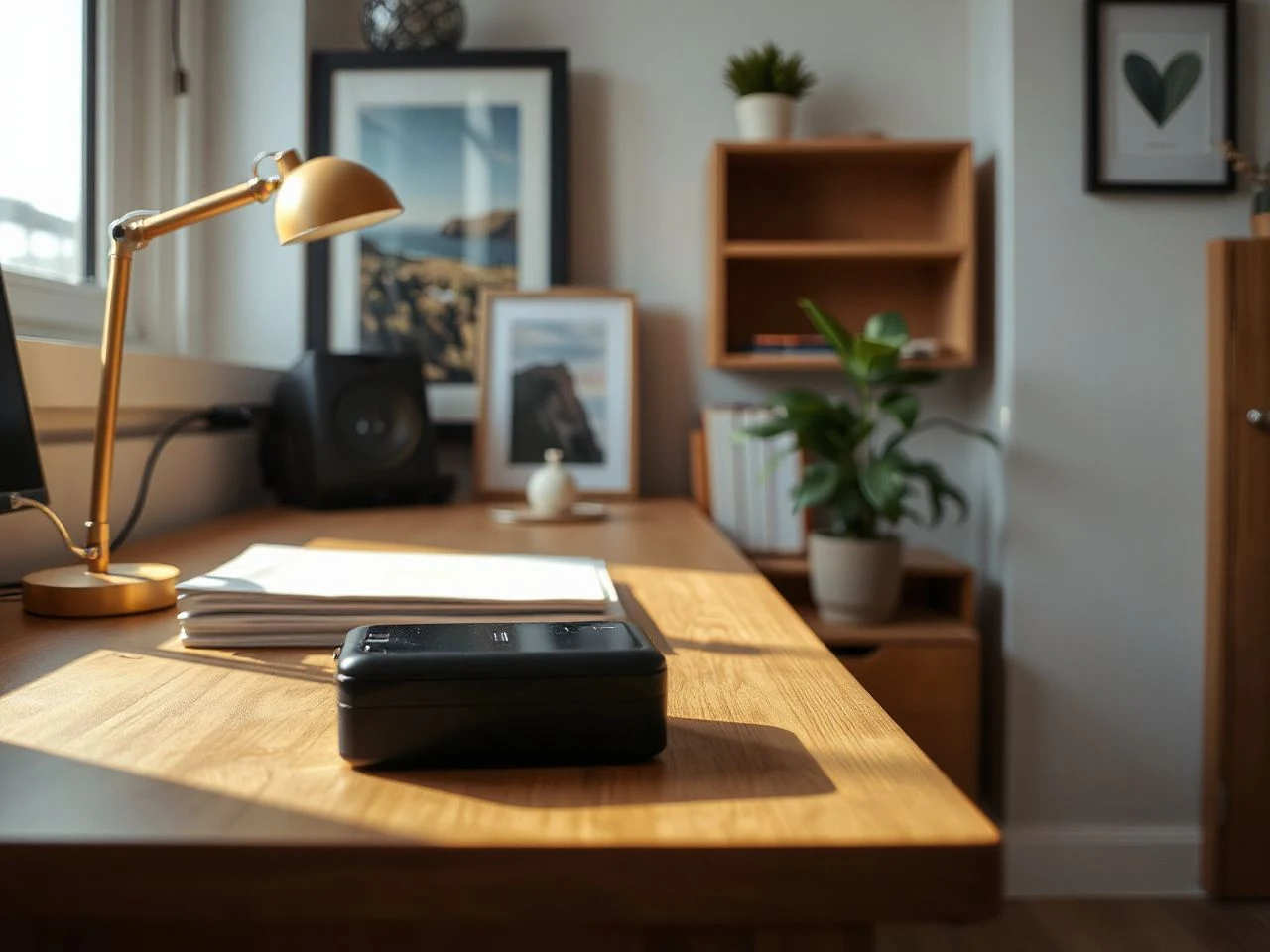
A desk lamp should support the work surface without shining directly into the screen or reflecting from a glossy desk. Place task lighting to one side of the monitor instead of directly behind it. Check the screen from the seated position during both daylight and evening use.
Indirect light makes a modern office feel softer because the room isn’t defined by a bright pool on the desk and dark corners elsewhere. A floor lamp that washes light toward a wall can provide background brightness. A task lamp then handles writing, reading, or detailed work.
Screen glare usually comes from a bright source facing the display, a window directly behind the viewer, or a lamp aimed at the monitor. Uncovered windows and glossy surfaces can make reflections worse. Adjust the lamp and screen before adding more decoration.
Task lighting should illuminate the work area without creating a bright reflection on the screen.
Choose a color palette that responds to daylight
A neutral color palette provides a calm foundation for a modern office. Neutral doesn’t have to mean stark white. Warm white, soft gray, muted beige, clay, olive, or dusty blue can work as supporting tones. They should relate to the daylight entering the room.
Look at paint, upholstery, and large storage pieces at different times of day before settling on a final combination. Daylight can make cool colors feel sharper. Artificial light may make warm colors seem heavier. A small sample on more than one wall is more helpful than judging a color from a screen.
Use contrast with restraint. A dark desktop, black lamp, or deep wood tone can anchor a pale room. Too many hard contrasts might make a small office feel busy. Repeat one accent through the chair fabric, artwork, or storage baskets. This makes the palette seem deliberate rather than matchy-matchy.
A neutral office palette feels warmer when texture and controlled contrast support the color rather than compete with it.
Protect ergonomic support
A modern look shouldn’t come at the expense of ergonomic support. Monitor height, seating posture, desk clearance, and the ability to move around still matter even after styling the room.
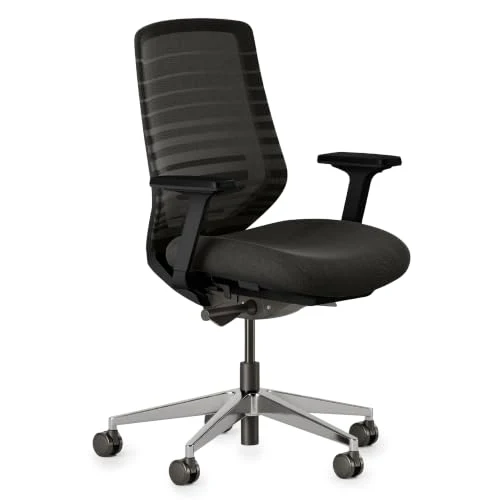
An ergonomic office chair can be useful if you use the desk daily. But a dedicated chair isn’t always needed in a guest room. The key test is whether the chair supports an upright working posture and keeps feet, knees, and arms comfortable at the desk. If the room is for guests, pick a chair that can leave the desk without blocking the bed or walking space.
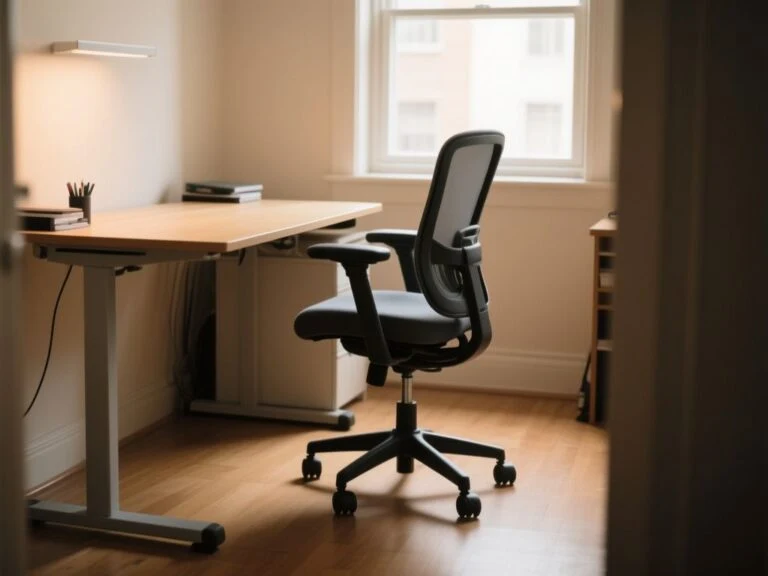
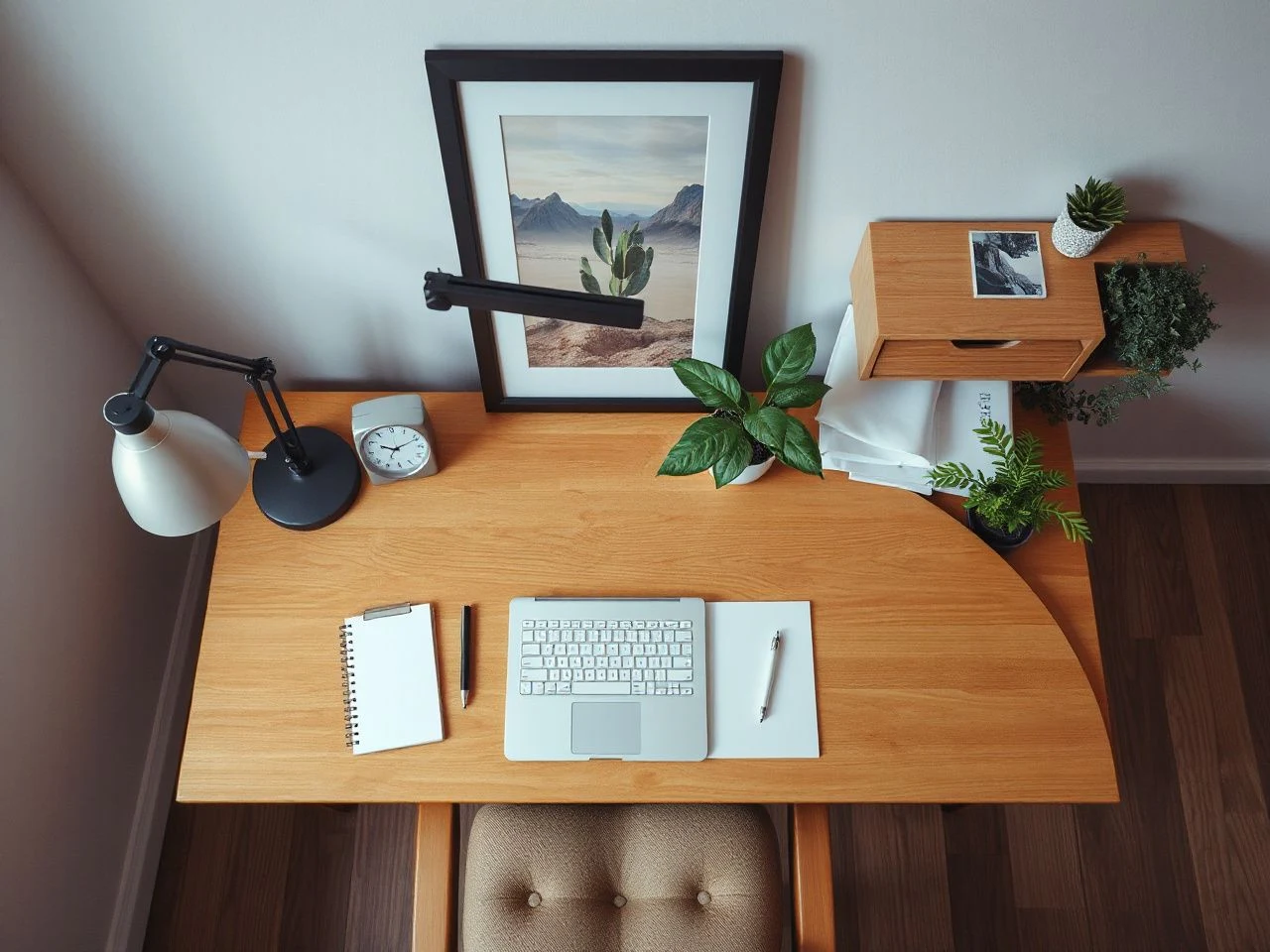
A height-adjustable desk can help a shared room serve more than one user, provided the surrounding space remains clear through its full movement. Keep the desk surface visually calm by placing only frequently used items within reach. A clear floor helps the room function as both office and guest space.
Intermediate: Organize storage, cables, and screens
Combine open shelving with closed storage
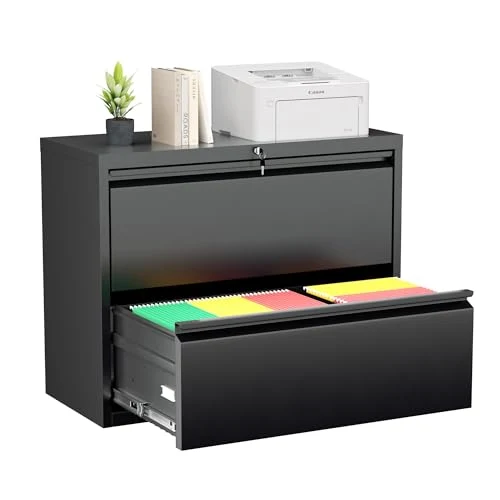
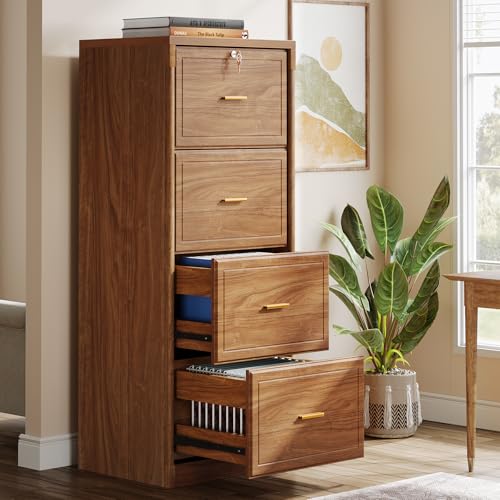
Open shelving works best for a few visible items that add color, shape, or personal meaning. Closed storage should hold items like spare cables, paper supplies, charging gear, and work materials. These can make the room look unfinished if left out in the open.
Use the wall as a composition rather than filling every shelf. Leave some breathing room around books and objects, then repeat a finish or color so the arrangement connects with the desk. A tall bookcase wall can provide strong vertical structure; the Martin Furniture wood bookcase wall stands at 8 feet. When selecting such a feature, consider ceiling height, wall structure, and overall visual balance.
Wall-mounted storage must match the wall structure, and shelves shouldn’t block ventilation, switches, or outlets. Heavy items should go where the support can hold them securely. Decorative baskets need regular dusting, especially in rooms with fabric, paper, and electronics sharing the air.
Closed storage reduces visual clutter when open shelving is reserved for objects that genuinely support the room’s design.
Make cable management part of the layout
Plan cable management before placing the monitor, lamp, or storage. Route wires along the back or underside of the desk, keep connection points accessible, and avoid crossing walking paths with cables.
Do not pinch wires against moving desk parts or trap them behind drawers. Leave enough freedom for a monitor arm, keyboard, or laptop to move without pulling the cable. Extension arrangements should not become a hidden pile behind the desk. Check the instructions for each device and keep plugs, adapters, and power strips visible enough to inspect.
The U.S. Consumer Product Safety Commission provides consumer safety information about electrical products and household hazards, so its guidance is a sensible reference when arranging cords, outlets, and power equipment.
Visually, the cleanest route is usually the shortest sensible one. A cable sleeve can gather wires, but it shouldn’t make every cable impossible to remove. Access matters because a modern office often needs small changes: a replaced charger, a moved screen, or a lamp that needs cleaning.
Place the monitor for comfort and camera visibility
A monitor arm can free desk space and improve screen placement. But, it must be compatible with the desk and wall setup. Check that its movement doesn’t hit shelving, artwork, a window covering, or a nearby wall.
Camera visibility needs its own check. A beautiful wall behind the desk might turn the camera toward a bright window, a messy storage zone, or a blank wall with no depth. Keep the background intentional without turning it into a display shelf packed with objects.
Place artwork away from vents and outlets, and avoid mounting pieces where the monitor arm could hit them. The camera view should show enough of the room’s character to feel personal, while keeping private paperwork and loose equipment outside the frame.
Monitor placement affects both physical comfort and the visual quality of a video call background.
Control sound with soft surfaces
Hard desks, bare walls, glass, and uncovered floors can make a room sound sharp. A rug, curtains, upholstered seating, and acoustic wall panels absorb or soften some reflected sound. They also add visual warmth.
Acoustic treatment should look intentional rather than like an afterthought. Pick a wall that isn’t already crowded with shelves or artwork, and keep panels away from vents. Curtains can soften a window wall, and a rug can define the desk area while reducing the emptiness of a hard floor.
Textiles need regular cleaning because office fabrics collect dust from clothing, paper, and daily movement. Plants and acoustic panels also need proper placement so they don’t trap excess moisture or become hard to maintain.
A rug and curtains can make a hard-surfaced office feel quieter and less severe without changing the furniture layout.
Advanced: Add warmth without losing a modern line
Use plants as structure, not clutter
Indoor plants add life to a neutral room, but placement should follow light and maintenance needs. For example, a Cat Palm grows to 6 feet with indirect light and needs 2 to 3 cups of water weekly. Its location matters: it needs enough light, a stable spot, and room for watering without placing moisture near electronics.
Use one larger plant to soften an empty corner or a smaller plant to break up a shelf. Keep leaves away from screens, cable routes, and air vents. A plant stand can add height, while a low planter can connect the desk with the floor without crowding the work surface.
Biophilic interior design works best when care is included in the plan. Wipe leaves as needed, remove fallen material, and check for moisture. A decorative plant that blocks a drawer or sheds onto the keyboard isn’t helping the office work better.
Add artwork and textiles with a clear visual rhythm
Wall-mounted artwork can make an office personal without taking up desk space. Choose a piece that matches the room’s palette, then leave enough space around it to keep it legible. A crowded gallery wall may compete with open shelving, a monitor, and the camera background.
Textiles add softness through a rug, curtain, seat cushion, or throw on a guest bed. Use texture rather than many patterns if the room already has screens, books, and equipment. A woven surface, matte finish, or natural tone can warm a modern office while keeping it tidy.
The room should feel inviting because of its surfaces and light, not because every empty space is filled. A few deliberate details are easier to dust, move, and replace than many small objects around each device.
Keep materials easy to maintain
Daily-use desks need surfaces that can be wiped without moving many decorations. Glossy finishes may reflect light and show marks more clearly, while matte surfaces can reduce visual glare. Place decorative objects where they won’t block cleaning around the keyboard, monitor base, and lamp.
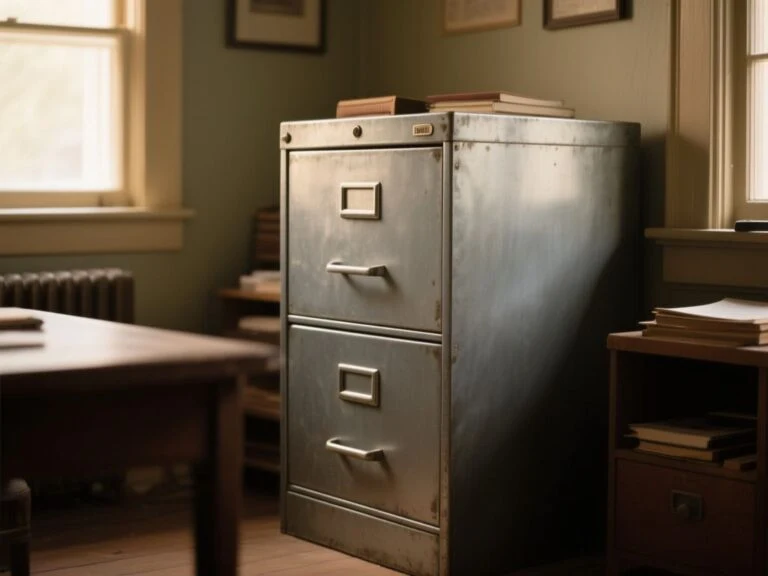
Closed cabinets hide stored items and reduce visible dust, but handles and interiors still need regular attention. Open shelving is easy to access, but every exposed object adds to the cleaning routine. Plan storage based on how often you need to handle the contents.
Maintenance also covers energy use and replacement. Extra lamps, illuminated displays, powered accessories, and motorized desk features may use electricity or need parts later. A restrained lighting plan often improves the room more than adding another glowing object.
Preventive measures for a modern office that stays functional
Check the room before mounting anything
Before installing a shelf, monitor arm, acoustic panel, or artwork, identify the wall structure and locate outlets, vents, and switches. The mounting method must match the wall and load. Avoid placing objects where they block ventilation or make outlets hard to reach.
Don’t treat a decorative arrangement as separate from building access. A shelf that looks balanced but covers a switch creates daily friction. A monitor arm swinging into artwork will eventually push it out of alignment.
Wall-mounted office features should preserve access to outlets, ventilation, switches, and walking routes.
Review the room from the seated and camera views
Check the office from the chair, not just from the doorway. Look for screen reflections, a lamp in the camera frame, exposed cables, blocked drawers, and a busy background. Then view the room from the camera position and adjust objects, rather than decorating only for the entrance view.
Residential lighting design is most useful here as a layered idea: background light gives the room shape, task light supports work, and softer accents create a welcoming space. The layers should work together rather than compete with each other.
Small room layout benefits from a clear circulation route. Keep in mind the chair’s movement, guest access, and storage doors before adding a rug or plant. An orderly modern office is simple to navigate when movement is smooth.
Use a reset routine based on storage
A room used every day needs a reset that takes little effort. Give chargers a defined drawer or box, keep paper in one closed location, and reserve one open shelf for items that can remain visible. If putting something away requires moving several other objects, the storage plan is too complicated.
Video call backgrounds benefit from the same discipline. Keep the visible area edited, but don’t hide equipment where setup becomes hard. The best background is one you can restore quickly after work.
For a calm, practical way to arrange a work area, see these home office space ideas. If posture and desk setup need more focus, the guide to an ergonomic home workspace explores comfort and layout.
Know what usually goes wrong
- Too much white: The room becomes cold when color, texture, and indirect light are removed together.
- Decor before function: Artwork and plants occupy the easiest locations, leaving the lamp, chair, or monitor in compromised positions.
- Hidden cable piles: Wires are pushed behind furniture where they become difficult to inspect, replace, or move.
- Open storage everywhere: Shelves turn routine supplies into a permanent display.
- Decorative glare: Glossy surfaces, uncovered windows, and poorly aimed lamps reflect into the screen.
- Unplanned maintenance: Plants, textiles, displays, and acoustic treatments are added without considering dust, moisture, or cleaning access.
A modern home office works best when it can switch between focused work, video calls, and other household uses without needing a full rearrangement. The key is making decisions in the right order: light first, then posture and screen position, followed by cables, storage, sound, and decorative details.
Frequently Asked Questions
How do I make a modern home office feel warm rather than cold?
Start with layered lighting instead of adding decoration right away. Use a neutral color palette with a rug, curtains, wood tones, artwork, or a carefully placed plant. Matte surfaces and varied textures soften a room filled with screens and hard furniture. Keep the arrangement simple so warmth comes from material contrast, not from covering every surface.
What lighting reduces screen glare in a modern office?
Use task lighting beside the screen instead of aiming a lamp directly at the display. Check for reflections from uncovered windows and glossy desks, then add softer background light so the monitor isn’t the only bright spot. A wall-washing floor lamp or indirect source can make the room inviting while the task lamp handles detailed work.
Is a dedicated office chair necessary in a guest room?
Sometimes, the chair should support a comfortable working posture, leave enough desk clearance, and let the room serve as a guest space. If the current seating causes slouching, blocks movement, or can’t be adjusted for the desk, a dedicated ergonomic office chair may be better. Test the layout from both work and guest perspectives before deciding.
How should open shelving and closed storage work together?
Open shelves are best for selected books, artwork, and objects that match the room’s palette. Place cables, paper, spare equipment, and irregular supplies in closed storage. This keeps useful items accessible without cluttering the visual design. Shelves should also allow easy access to outlets, switches, and ventilation.
What should I check before adding a monitor arm or wall art?
Check the wall structure, mounting method, nearby outlets, vents, switches, and the movement range of the monitor arm. Wall art and shelving should not obstruct ventilation or make equipment difficult to reach. View the arrangement from the seated position and the camera position so the result supports comfort as well as appearance. The ASTM International site provides access to information about voluntary technical standards, which can be useful when a manufacturer or installer refers to a relevant mounting or material standard.
Which office features create ongoing maintenance or energy demands?
Additional lamps, illuminated displays, motorized furniture, plants, rugs, curtains, and acoustic panels all need some upkeep. The care required depends on each item and its instructions, so keep manuals handy. Use accessible cable routes, washable textiles if suitable, and storage that can be cleaned without dismantling the room. A simple system is easier to maintain than one with lots of decoration.