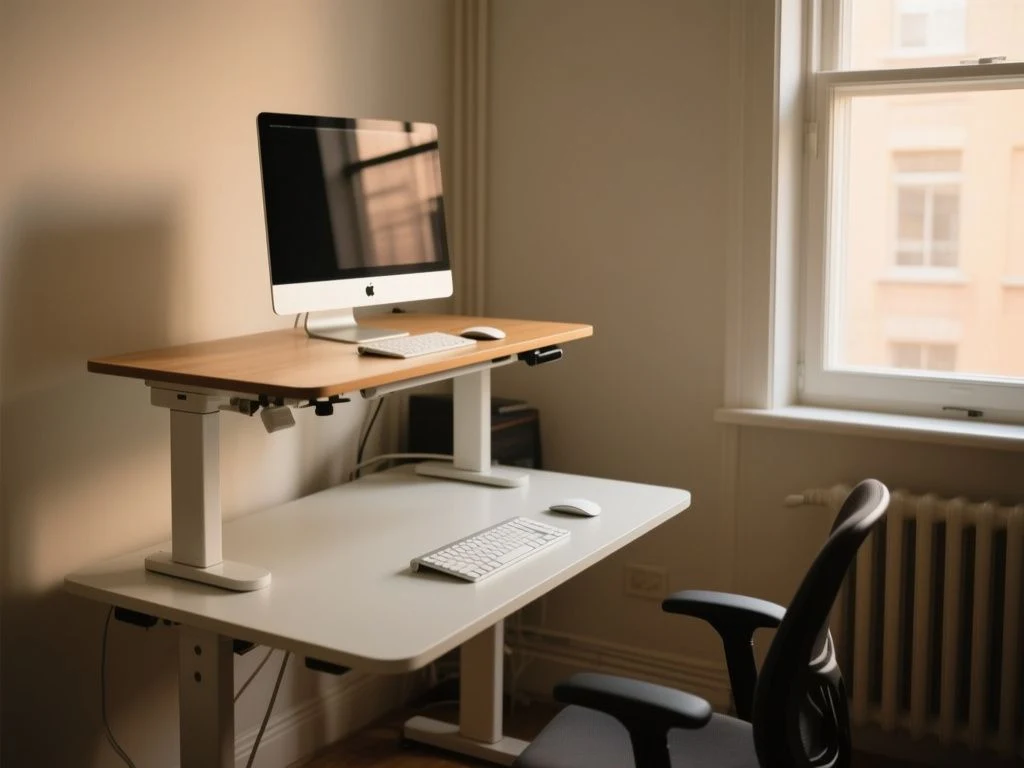
Standing all day is not the goal.
The key distinction is between standing and moving: remaining upright in one fixed position can create its own strain, so standing belongs within a changing work pattern. There is no single medically correct answer to how long you should stand at a standing desk; duration should respond to symptoms, task demands, footwear, and workstation fit, with gradual exposure for beginners instead of a rigid target that encourages discomfort to be ignored.
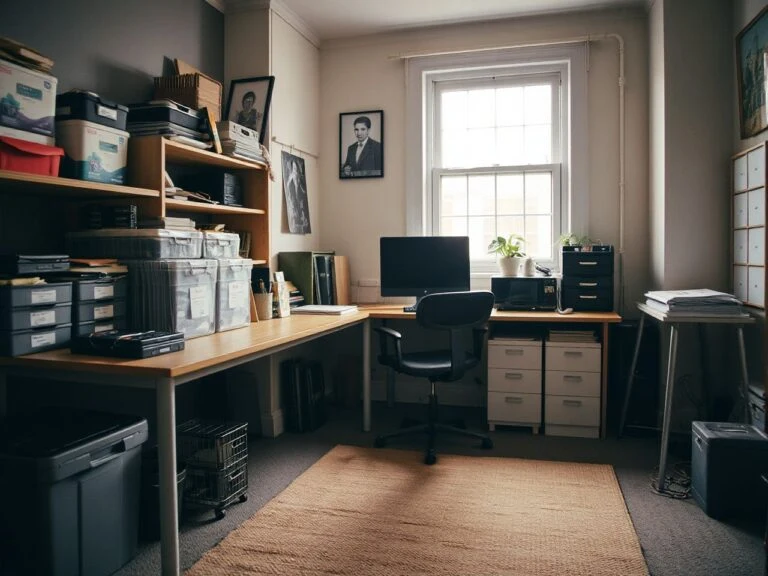
The same rule applies here: fix the arrangement before blaming the room. A sit-stand workstation should make posture changes easy, just as a well-placed lamp can make a room feel right before any furniture moves.
If you are weighing the larger choice between a seated and adjustable setup, our guide to choosing between a standing desk and a sitting desk adds useful context.
Key Takeaways
- Alternate standing, sitting, and movement instead of standing continuously.
- Beginners should start with brief, comfortable periods and build gradually.
- Pain, numbness, swelling, dizziness, or unusual fatigue are reasons to sit and reassess.
- Desk height, monitor position, footwear, and floor support affect standing tolerance.
How Long Should You Stand at a Standing Desk?
A practical answer is to stand for a brief, comfortable work period, then sit or walk before discomfort develops. The exact duration belongs to the individual. Someone new to a standing desk may need frequent changes, while a person already accustomed to upright work may tolerate longer periods, but tolerance is not proof that uninterrupted standing is desirable.
The useful target is a pattern rather than a stopwatch. Change position before your body is demanding relief. If your shoulders rise, your weight stays on one leg, your feet begin to ache, or your lower back tightens, the standing interval has already lasted too long for that setup or task.
Standing at a desk should be treated as one posture within a changing work pattern, not as a replacement for sitting. The aim is to avoid long, static periods in either position.
Begin with gradual exposure
A new standing routine should feel deliberately easy. Stand for a short part of a familiar task, then return to a comfortable seated workstation or take a brief walk. Repeat the pattern only if your body remains settled afterward and later in the day.
Do not increase standing time simply because a schedule says you should. A rigid plan can turn mild fatigue into a test of willpower. Your useful measure is how your feet, legs, hips, back, neck, and shoulders respond during the work period and afterward.
For a beginner, total standing across the workday should remain modest enough that normal work does not become a pain-management exercise. The manufacturer of a desk cannot determine that amount for you, and general advice cannot account for plantar fasciitis, arthritis, pregnancy, circulation problems, balance concerns, or orthostatic symptoms.
Switch by schedule, symptoms, or both
A schedule helps prevent the common mistake of staying in one posture until pain appears. Symptoms still matter more than the schedule. Use a planned change as a prompt, then move sooner if your body asks for it.
Task demands also change the answer. Reading from a screen may allow a different stance than concentrated keyboard work, a video call, or a task that makes you lean toward the desk. Standing while shifting weight or walking during a call is different from holding the same position while typing.
A sit-stand schedule works best when planned changes are combined with early attention to discomfort. The schedule is a reminder, not a medical prescription.
Use movement, not only posture changes
Weight shifting keeps standing from becoming a frozen pose. A short walk to another room, a change from keyboard work to a phone call, or a few moments away from the screen can break up the pattern more effectively than simply moving from one foot to the other once.
The broader health picture also matters. People who sit still for more than four hours per day encounter a 40 percent higher risk compared with people who sit fewer than four hours per day, while health outcomes for people who exercise at least four hours per week are comparable to those of people who sit fewer than four hours per day. Those figures do not turn standing into a cure; they reinforce the value of regular movement beyond desk posture.
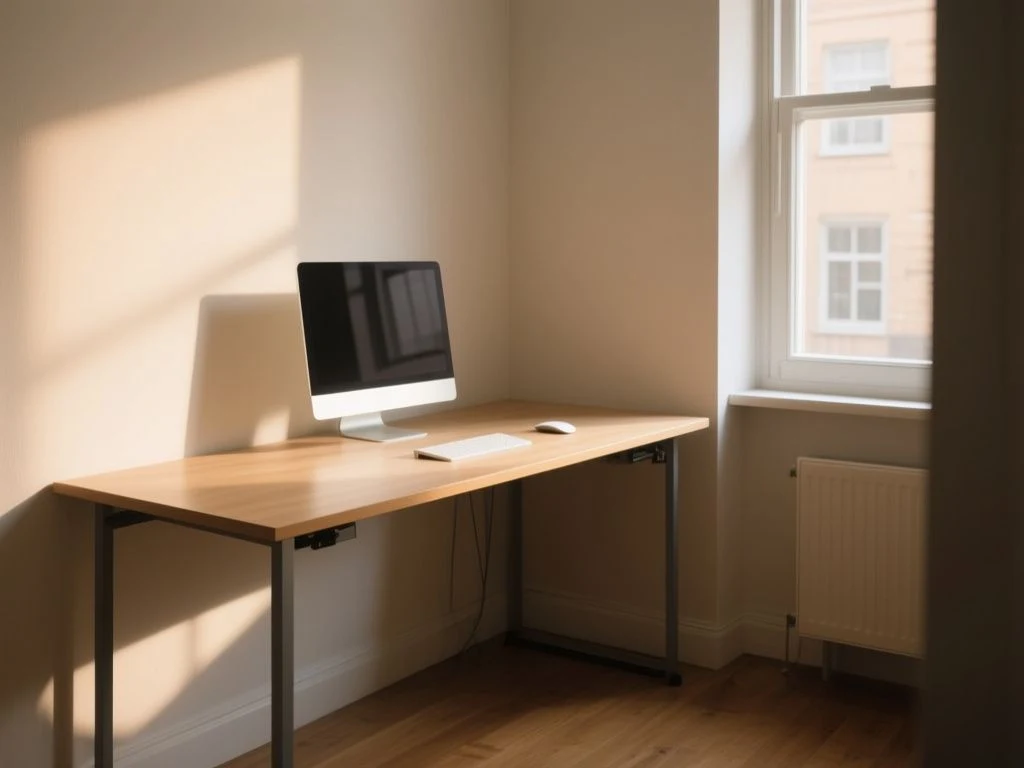
Beginner Guide: Build a Comfortable Standing Routine
Step 1: Check your body before adjusting the desk
Start with a neutral standing position. Your shoulders should be relaxed rather than lifted, your forearms should sit roughly level with the work surface, and your wrists should remain neutral instead of bending sharply upward or downward.
Keep both feet supported and allow your weight to shift naturally. Avoid locking the knees or leaning your pelvis into the front edge of the desk. If you need to reach forward to type, the surface may be too high, too deep, or too far away for the way the task is arranged.
Relaxed shoulders and neutral wrists are essential signs of a workable standing-desk height. The desk is not correctly adjusted merely because the screen rises with the tabletop.
Step 2: Set the monitor for your standing eye line
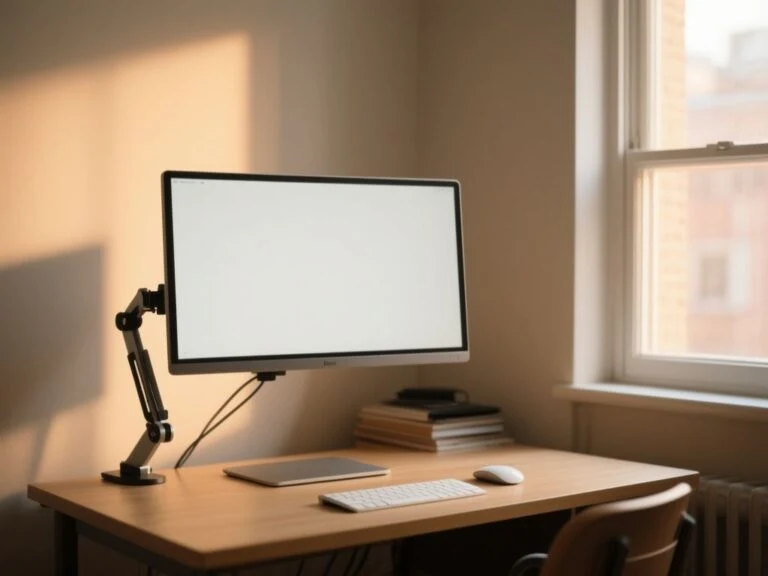
A monitor arm can make adjustment easier because the screen and desk surface do not have to share one fixed height. Position the monitor so you can read without prolonged neck bending or looking upward. The correct position lets your head remain balanced over your torso while your eyes meet the screen naturally.
Watch for a familiar lighting problem: glare often makes people lean toward a monitor. Before changing your posture, adjust the lamp, window position, or screen angle. A soft side light is usually more useful than a bright source directly behind the display, because glare encourages forward reach and neck strain.
These resources can help you check the arrangement, but they do not replace individualized medical advice.
Step 3: Start with low-demand tasks
Use standing first for tasks that do not require intense concentration or extended forward reach. A phone call, reading, or a short planning session may be easier to combine with weight shifting than detailed keyboard work.
Keep the seated workstation ready rather than treating sitting as failure. The point of an adjustable desk is to make changing position simple. If lowering the desk requires clearing the surface, moving a monitor, or unplugging equipment, the setup will quietly encourage static posture.
An adjustable workstation only supports movement if both seated and standing positions are easy to use. Arrangement is behavior design in plain clothes.
Step 4: Review the room after the first work period
Notice where the room is making the task harder. A dark work surface can increase screen glare, a lamp at eye level can cause squinting, and a bright window behind the monitor can make you crane forward. Lighting is part of ergonomic setup because visual discomfort often changes the way the neck and shoulders are held.
Record the symptom rather than judging the whole desk. Foot fatigue may point toward floor support or footwear. Shoulder tension may point toward height. Hip discomfort may reflect a stance that is too fixed. These clues are more useful than simply deciding that standing desks are good or bad.
Intermediate Guide: Adjust the Setup Before Extending Standing Time
Desk and keyboard height
Raise or lower the work surface until your shoulders can drop naturally. Your elbows should remain near your sides rather than flaring outward, and the keyboard should allow a neutral wrist position. If the desk is correct for the keyboard but wrong for the monitor, separate those adjustments with a monitor arm.
A surface that is too high encourages shoulder elevation. A surface that is too low can invite rounding through the upper back and neck. Neither problem is fixed by standing longer. The correct response is to alter the workstation or change tasks.
Standing desk height should be set by the hands and shoulders first, then refined for the monitor. A single preset cannot guarantee a neutral position for every person or task.
Footwear and floor support
Supportive footwear can change how standing feels, but it does not make prolonged static posture harmless. Shoes should allow a stable, comfortable stance without forcing you to grip the floor with your toes. The floor itself also matters.
An anti-fatigue mat may provide a more forgiving surface than a hard floor, particularly if your feet become tired quickly. It should not become a reason to ignore pain, swelling, or altered sensation. A mat changes the standing surface; it does not determine a safe duration.
Polyurethane foam is one material that may appear in an anti-fatigue mat, but the name alone does not tell you whether the mat suits your room, footwear, or work habits. The relevant question is whether the surface supports a stable stance without creating a trip edge or encouraging exaggerated leaning.
Match posture to the task
Typing often fixes the hands in one place, so alternate it with tasks that allow movement. During a call, step away from the desk if the work allows. While reading, shift your stance rather than locking your legs and holding the screen at one angle.
Place frequently used items where you can reach them without twisting. A lamp, notebook, or phone should not force repeated side bending. Keep cables managed so that moving from standing to sitting does not create a snag or trip hazard.
Task variation reduces the chance that standing becomes another fixed workstation posture. The most comfortable desk is the one that supports several ways of working.
Know the signs that the interval is over
Feet, legs, hips, and lower back can all signal that a standing period should end. Sit down, move gently, and inspect the setup if you notice pain, numbness, swelling, dizziness, unusual fatigue, or symptoms that are getting worse.
Do not push through numbness or dizziness to complete a meeting. Persistent or concerning symptoms deserve medical advice, particularly if they appear with circulation problems, balance difficulties, orthostatic intolerance, pregnancy, arthritis, or a foot condition such as plantar fasciitis.
Advanced Guide: Make Alternation the Default
Use a flexible work rhythm
An advanced routine has no prize for the longest standing block. It gives you several comfortable options: seated keyboard work, upright reading, walking during a call, and a brief reset away from the screen.
Plan changes around the work rather than forcing every task into the same posture. A demanding writing session may be better seated, while reviewing a printed document may suit standing. The right choice can change across the day as fatigue, footwear, and workload change.
Alternating between sitting, standing, and walking is more important than maximizing total standing time. A standing desk does not remove the need for movement breaks.
Keep the visual environment calm
A monitor that is technically high enough can still be uncomfortable if reflections make the text hard to read. Place task lighting to the side, control direct glare, and avoid a lamp shining into your eyes or across the display. Correcting a lighting fault is preferable to raising the desk and hoping the neck adapts.
The same principle applies to the rest of a home office. Visual clutter can lead to repeated reaching, while a lamp that is too distant can make you lean toward a dim work area. Light should support the posture you want, not create a reason to collapse toward the screen.
Review the desk at intervals
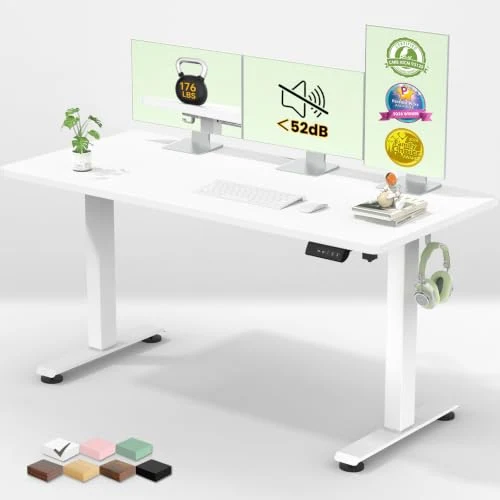
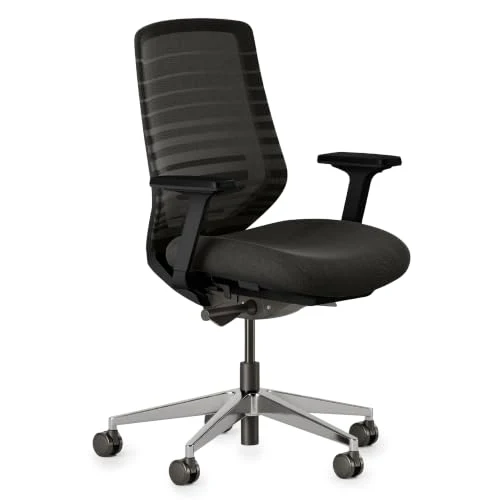
Alternating posture does not require special maintenance beyond keeping the moving parts, cables, and work surface usable. A regular desk still needs a suitable chair, monitor arrangement, and lighting plan. An adjustable desk adds the practical need to keep both height settings accessible and ensure that changes do not pull on connected equipment.
That extra arrangement is a small design consideration, not a reason to remain seated all day. If the desk is shared, save separate seated and standing positions when the controls allow it, and keep the monitor arm easy to reposition.
A sit-stand workstation creates value only when its transitions remain convenient. A desk that stays at one height has become a fixed desk, regardless of its range.
Problems From Standing Too Long and What to Do
Foot pain or leg fatigue
Stop the standing interval and sit or walk gently. Check whether your footwear is supportive, whether the floor is excessively hard, and whether you have been keeping your weight in one place. An anti-fatigue mat may improve floor comfort, but worsening pain still calls for a change in routine and, if persistent, professional advice.
Lower-back or hip strain
Lower the desk if your shoulders are lifting, move the keyboard closer if you are reaching, and let your weight shift instead of locking into one stance. A standing desk can contribute to lower-back strain when the body leans toward an incorrectly placed screen or work surface.
Return to a seated setup that supports neutral posture rather than abandoning all desk work. The linked guide on how seated and standing desks differ in daily use can help frame that decision without turning either posture into a universal answer.
Swelling, numbness, or dizziness
Sit down and stop the standing session if swelling, numbness, dizziness, or unusual fatigue appears. Do not treat these symptoms as ordinary adjustment. If they persist, recur, worsen, or concern you, ask a clinician for individualized guidance.
People who are pregnant or who have circulation problems, foot conditions, joint disorders, balance problems, or orthostatic symptoms may need a plan built around their condition. A general standing routine is not a substitute for that advice.
When standing is not the right immediate choice
Standing may not suit every task or every person at every point in the day. Painful feet, unstable balance, light-headedness, and an irritated joint are reasons to use a supported seated position while the cause is addressed.
Standing should also not be used to compensate for too much uninterrupted screen time. A short walk, a task change, or time away from the workstation may be more useful than remaining upright in front of the same display.
Frequently Asked Questions
How long should I stand at my desk before sitting down again?
Stand only for a comfortable interval, then sit or walk before discomfort appears. The appropriate duration varies with experience, task demands, footwear, symptoms, and workstation fit. Beginners should use brief periods and build gradually rather than follow a rigid target. If your feet, back, hips, or shoulders become uncomfortable, change position immediately and adjust the setup before trying another standing period.
Is standing at a desk better than sitting, or is alternating more important?
Alternating is more important than treating standing as automatically better. A standing desk does not eliminate the problems of a static posture, and sitting is not the only posture that needs interruption. Combine seated work with standing, weight shifting, short walks, and task changes. A flexible sit-stand routine supports movement without turning total standing time into a performance measure.
Should I use an anti-fatigue mat or supportive shoes?
An anti-fatigue mat and supportive footwear can make the standing surface more comfortable, but neither determines how long you can safely stand. Use them alongside neutral posture, sensible desk height, and regular position changes. A mat is not a reason to ignore foot pain, numbness, swelling, or unusual fatigue. Persistent symptoms need a workstation review and, where appropriate, clinical advice.
How do I know whether my standing desk and monitor are set up correctly?
Your shoulders should remain relaxed, your forearms should be roughly level with the surface, and your wrists should stay neutral. The monitor should let you read without prolonged neck bending or looking upward. A monitor arm can separate screen height from keyboard height. Glare matters too: poor lighting can make you lean forward, so adjust the lamp or screen angle before changing your stance.
Can standing too long cause pain, swelling, or lower-back strain?
Yes, uninterrupted standing can create strain because standing is still a static posture when the body barely moves. Pain, numbness, swelling, dizziness, unusual fatigue, or worsening symptoms are reasons to sit, move, and reassess the setup. Ask a clinician about persistent or concerning symptoms, especially during pregnancy or with plantar fasciitis, arthritis, circulation problems, balance issues, or orthostatic symptoms.
For a broader home-office reset, an ergonomic seated workstation deserves the same attention as the standing position. Small details such as screen glare, cable placement, and lamp location shape how easily you change posture. Even a room’s visual layout can affect whether you move naturally; the same eye for proportion used in placing art at the right height above a sofa applies to keeping the home office visually comfortable, though the ergonomic measurements are different.