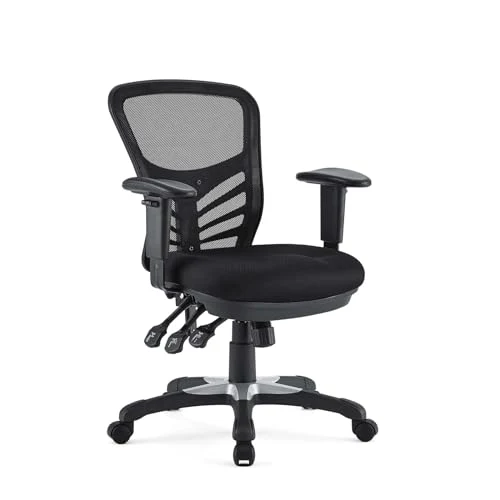
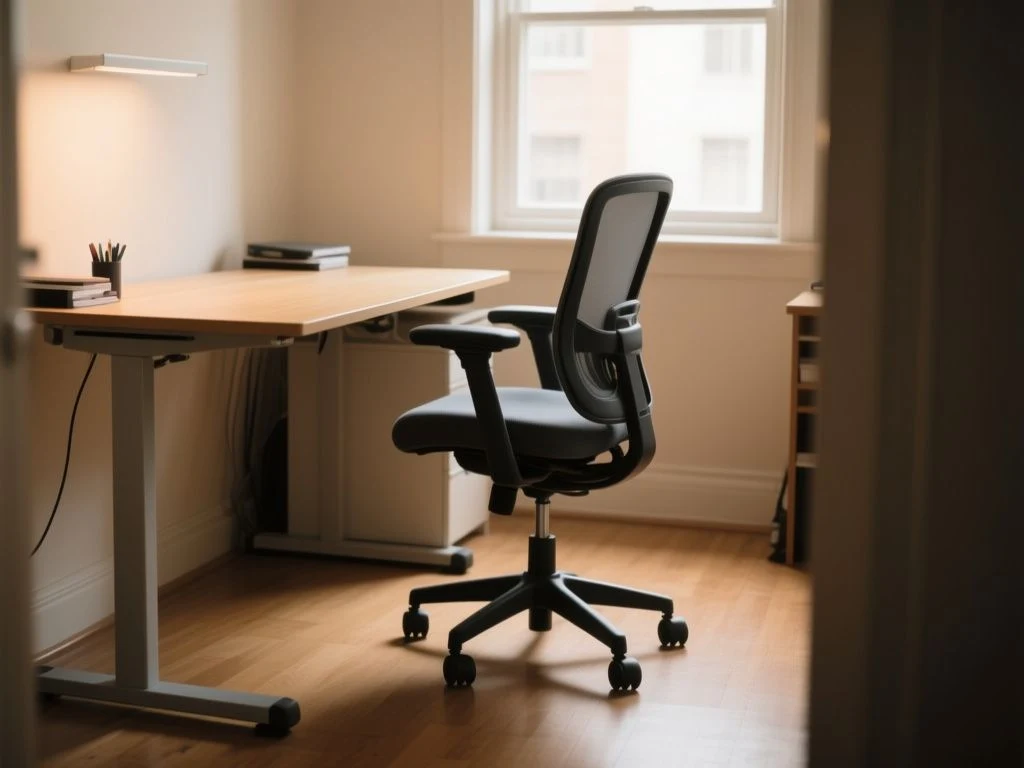
A desk measuring 28 to 30 inches high is common, yet that familiar range can still leave a person typing with raised shoulders or dangling feet. The practical distinction is between desktop height and effective keyboard height: the surface that supports the hands, including a keyboard or tray, determines elbow and wrist posture more than the nominal desk measurement. Set the chair for supported feet and comfortable leg clearance first, then match the working surface to relaxed shoulders and neutral wrists; when those goals conflict, use a footrest, keyboard tray, or external keyboard rather than forcing the body into a compromise. That is the useful answer to what desk height is correct for my chair: the correct height is the one that matches your seated posture and the actual surface under your hands.
Key Takeaways
- Adjust the chair so your feet are supported, your knees are comfortable, and your thighs have clear space.
- Judge the keyboard and mouse height rather than relying on the desktop measurement alone.
- Use a footrest, keyboard tray, or external keyboard when a fixed desk and chair cannot align.
What desk height is correct for my chair? Start with the working surface
The surface under your hands is the measurement that matters most during computer work. A desktop may be listed at one height, but a thick top, desk mat, keyboard, or sliding tray changes the effective keyboard and mouse height. A drawer beneath the top can also restrict thigh clearance, making a technically suitable desktop impractical.
The effective keyboard height determines whether your elbows and wrists can remain neutral during typing. A desk can have a familiar 28-to-30-inch desktop height and still be too high if the keyboard sits on a thick mat or too low if a tray drops well below the main surface. Read the furniture specification as a starting point, not as the final answer.
Why one universal number fails
Body proportions vary, and chair seat height changes the relationship between your legs and the desk. Footwear can change your seated position as well. A person who needs a different chair height to achieve comfortable popliteal height—the distance associated with the lower leg behind the knee—may need a different working-surface height from someone using the same desk.
Common guidance places a seat between 16.5 and 18 inches high and a desk around 25 to 27.5 inches for some seated arrangements, while average desk-height measurements often fall between 28 and 30 inches. Those figures describe ranges, not a universal prescription. Your elbows, wrists, shoulders, feet, and available clearance decide whether the arrangement works.
The posture signs to look for
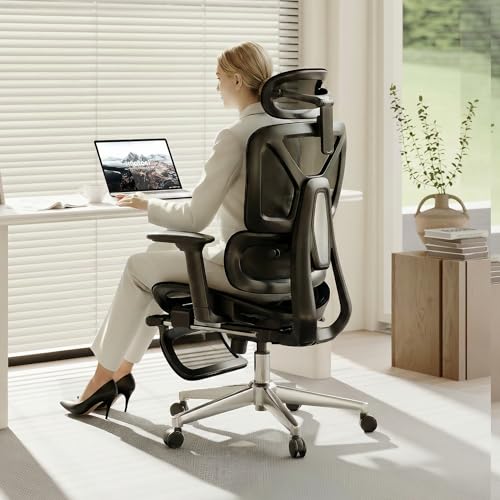
At the correct seated height, your shoulders should remain relaxed rather than lifted toward your ears. Your elbows should stay near your body’s sides, with the forearms forming roughly a 90-to-110-degree angle at the elbow. Your wrists should remain close to neutral instead of bending sharply upward or downward to reach the keys.
Your feet need firm support, and your knees should remain comfortable with the lower legs and thighs positioned at roughly a 90-to-110-degree angle. The underside of the desk must leave enough room for your knees and thighs. Drawers, modesty panels, and crossbars can make an otherwise appropriate desktop height unusable.
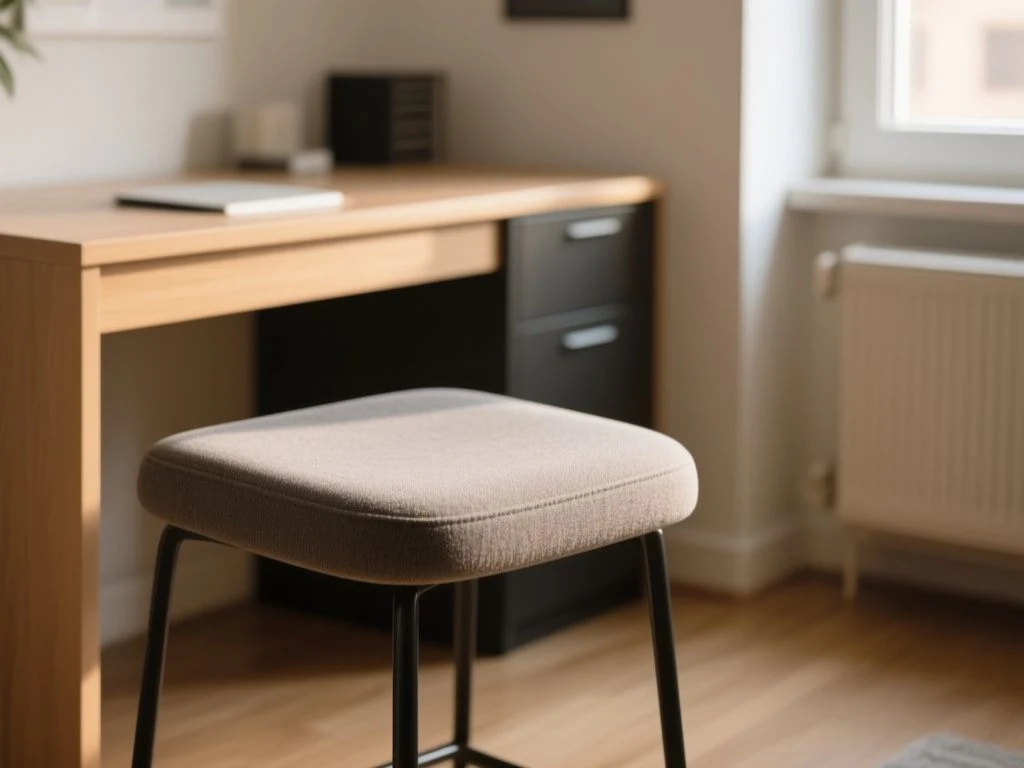
Step 1: Adjust the chair before adjusting the desk
The chair establishes your seated reference point, so begin there rather than chasing a desk number. Sit back in the chair, make sure the seat depth does not force pressure behind the knees, and place both feet on the floor or on a suitable footrest. The chair should support your lower body without requiring you to perch on the front edge.
Set the seat for feet and knee comfort
Raise or lower the seat until your feet are supported and your knees feel comfortable. Do not lift the chair simply to reach a tall desktop if that adjustment leaves your feet unsupported. A chair with seat-height and seat-depth adjustment gives you more room to align the lower body before you deal with the keyboard.
Supported feet are the starting point for a correct seated desk arrangement. If your chair must be higher than your feet allow because the desk is tall, add a footrest that supports the lower legs without blocking the chair from moving close to the desk.
Check thigh clearance before measuring the desk
Slide toward the desk without leaning forward. Your knees and thighs should fit beneath the underside without meeting a drawer, panel, or support bar. A desktop that allows comfortable elbows but blocks the thighs still fails the basic setup.
Clearance is especially important with compact flat-pack desks. These pieces should be evaluated by their hardware and underside layout before their finish: a handsome top does not rescue a drawer box that sits exactly where your thighs need to go. The listing may state the desktop height while leaving the usable clearance unclear, so inspect the underside dimensions and support structure before treating the number as useful.
Use your sitting elbow height as the reference
With your upper arms resting naturally beside your body, bend your elbows and let your forearms extend toward the keyboard. Sitting elbow height is more useful than standing height or total body height because it captures the relationship between the chair, your torso, and the working surface.
Measure from the floor to the level where your hands would rest, then account for the thickness of the keyboard, tray, and desk mat. The result is not a magic calculation; it is a starting measurement to compare with the actual working surface. Fine-tuning still depends on relaxed shoulders and neutral wrists.
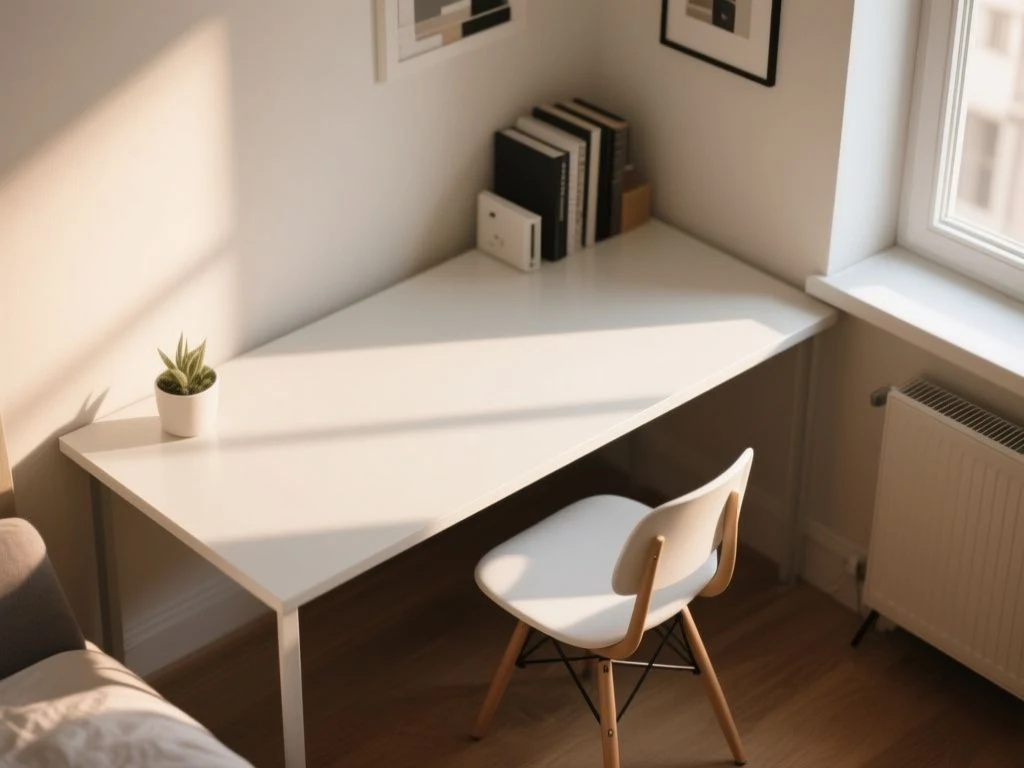
Step 2: Match the desk, keyboard, and mouse height
Once the chair is set, adjust the desk or the keyboard support to your arms. The working surface should allow your shoulders to stay down and your elbows to remain close to your sides. If you must reach upward to type, the desk is too high for the chair; if your forearms slope sharply downward and your wrists bend to reach the keys, the keyboard surface may be too low.
How to tell if the desk is too high
A desk is too high when the keyboard forces your shoulders upward or makes your elbows move away from your sides. Raised shoulders can also come from an armrest that prevents the chair from approaching the desk, so check the chair hardware as well as the desktop.
Another clue is a wrist angle that bends upward toward the keys. Lower the keyboard with a tray or an external keyboard if the desktop itself cannot move. The screen can remain on the desk while the hands work from a lower surface, provided the monitor position is also checked.
How to tell if the desk is too low
A desk is too low if your elbows drop below the working surface and your wrists bend downward during ordinary typing or writing. Hunching toward the desk can make the problem look like a chair issue. Raise the desk if possible, or place the keyboard on a stable riser only when that does not create a new shoulder or screen-position problem.
A low keyboard can be as disruptive as a high keyboard because both positions bend the wrists away from neutral. The correct arrangement keeps the hands level enough for relaxed typing while preserving comfortable shoulder and elbow positions.
Keep the mouse at the same practical level
The mouse belongs on the same working plane as the keyboard whenever possible. A mouse placed higher or farther away can pull the shoulder forward even when the keyboard itself is correctly positioned. Keep the control area close enough that the upper arm remains near the body’s side.
Writing and drawing may require a different surface relationship from typing. A writer may prefer more direct contact with the desktop, while a drawing task can involve a changed wrist angle and a sloped work area. Adjust for the task you perform most often, then reassess the keyboard and mouse rather than assuming every activity uses the same effective height.
Do not confuse monitor height with desk height
Monitor position is a separate adjustment. Guidance for seated work places the monitor around 46.5 to 48 inches in a stated arrangement, with a tilt of roughly 10 to 20 degrees. Those figures do not replace the elbow check because raising a screen does not automatically make a keyboard comfortable.
A laptop creates a particular conflict. Raising the built-in screen for a more suitable neck position also raises the keyboard, so extended typing generally calls for an external keyboard and mouse. A laptop stand can solve the screen-height problem only when the hands move to a separate lower surface.
Step 3: Fix a fixed-height desk without forcing your body to fit it
A fixed-height desk can work when its surface and your chair happen to align. If they do not, changing the chair alone often creates a lower-body problem while changing the desk alone may create a clearance problem. The best correction depends on which part of the arrangement is out of line.
Use a keyboard tray for a high desktop
A keyboard tray changes the effective hand height without requiring the whole desk to move. It is useful when the desktop is structurally sound but the keyboard sits too high for your seated elbow position. Check that the tray is wide enough for both keyboard and mouse use, remains stable, and does not reduce knee clearance.
Flat-pack construction deserves scrutiny here. A tray attached to a thin side panel or a poorly supported underside may flex or loosen, so inspect the fasteners, mounting points, and clearance before trusting the adjustment. Hardware tells you more than a smooth laminate finish: threaded inserts, appropriate screws, and a properly supported bracket are the details that determine whether an adjustment remains useful.
Use an external keyboard for laptop work
With a laptop, separate the screen from the typing surface. Raise the screen to a comfortable viewing position, then place the external keyboard and mouse at the height that suits your elbows and wrists. The laptop’s own keyboard should not dictate the height of a long typing session.
An external keyboard allows the laptop screen and hand position to be adjusted separately. That separation matters because a single laptop cannot place its display and built-in keys at two different heights.
Use a footrest when chair height must increase
A footrest can solve the gap created by a tall desk, but only if it supports the feet without pushing the chair away from the desk. The chair must still approach the working surface closely enough for your elbows to remain near your sides. A footrest that becomes a barrier is a poor correction.
Choose the footrest position after setting the seat and keyboard, not before. Recheck the knee angle, thigh clearance, and ability to move the chair inward. Lower-leg support should complement the chair rather than turn the desk edge into something you must reach across.
When replacing the desk makes more sense
Replacement becomes the cleaner answer when the desktop cannot be altered, the underside blocks your thighs, or the chair must be raised so far that a footrest becomes awkward. A desk with a suitable height range can remove several compromises, but height adjustment does not excuse poor clearance or weak assembly hardware.
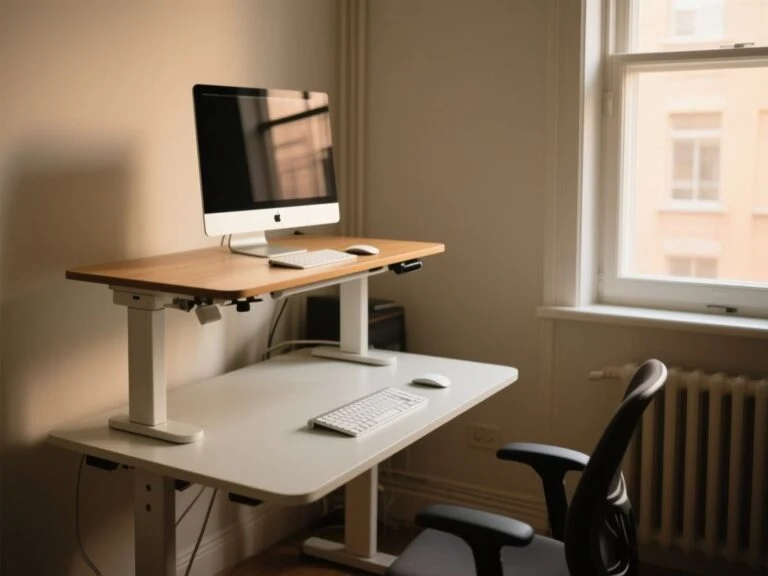
For a desk that must serve seated work, stated guidance places height-adjustable tables around 22 to 33 inches, with at least a 5-inch range between 25 and 30 inches in one ergonomic arrangement. The numbers are useful only if the mechanism actually reaches the position your chair and body require. A broad advertised range is less valuable than a stable frame and hardware that keeps the surface level.
Desk shape also affects how closely you can work. A corner layout may provide more room but place the keyboard farther away, while a straight desk can keep the primary working area directly in front of you. Our guide to choosing between an L-shaped and straight desk for a home office is relevant when the layout, not just the height, is causing reach problems.
Advanced adjustments for different tasks and sit-stand desks
Typing, writing, and drawing
Typing usually benefits from a working surface that keeps the elbows close and wrists near neutral. Writing may use the desktop directly, while drawing can require a different wrist position or a sloped board. Do not set the entire room around a secondary task if typing occupies most of the day; use a removable surface or separate input device for the occasional activity.
The mouse should move with the keyboard arrangement. A correctly placed keyboard paired with a distant mouse still asks one shoulder to reach. Reposition the mouse area before raising or lowering the desk again.
Laptop ergonomics
A laptop is a two-height problem: the screen wants to be higher, while the keyboard wants to stay lower. Use an external keyboard and mouse for extended typing, then set the chair and hand surface using the same elbow and wrist checks as a desktop computer.
Neck discomfort can remain even after desk height is corrected if the monitor is too low, too far away, or tilted poorly. Shoulder discomfort can come from reaching for the mouse or from chair armrests that prevent close approach. Wrist discomfort can result from the keyboard angle, a thick desk mat, or a tray placed below the natural hand level.
Moving from sitting to standing
A sit-stand desk changes the reference point because the chair no longer determines the working height during standing. For standing work, stated guidance places height-adjustable tables around 35 to 47 inches, with at least a 4-inch range between 38 and 42 inches in one arrangement. Set the standing position by relaxed shoulders, elbows near the sides, and neutral wrists, not by copying the seated number.
Change positions gradually and reset the screen and keyboard relationship after the desk moves. A sit-stand setup is only useful if both seated and standing presets preserve the same basic arm and hand alignment. For a broader discussion of the two arrangements, see Standing Desk vs Sitting Desk: Best Picks for 2026.
Use recognised ergonomic guidance as a check, not a substitute for fitting
ANSI/HFES 100, Human Factors Engineering of Computer Workstations, addresses workstation design, while ISO 9241-5 covers ergonomic requirements for office work with visual display terminals. BIFMA G1 provides an ergonomics guideline for furniture used in office work spaces. These named frameworks are useful reference points, but a desk still has to fit the particular chair, user, task, and clearance available in the room.
The OSHA Computer Workstations eTool provides federal workplace guidance on workstation setup. OSHA guidance does not turn one desk measurement into a universal answer; the practical assessment remains the relationship between the person, chair, keyboard, mouse, monitor, and furniture structure.
Preventive checks after the setup is correct
Recheck after changing chairs or footwear
Desk height does not need constant adjustment, but the setup should be checked after changing the chair, seat-depth position, footwear, keyboard, desk mat, or monitor support. Each change can alter the effective relationship between your feet, elbows, and hands.
Changing the keyboard, chair, or desk mat can change effective working height without changing the desktop measurement. Make a short posture check after each alteration: feet supported, thighs clear, shoulders relaxed, elbows near the sides, and wrists close to neutral.
Inspect the desk hardware and underside
Assembly scepticism belongs in ergonomic planning. Tighten the fasteners specified by the manufacturer, check that the keyboard tray does not wobble, and inspect whether drawers or crossbars interfere with your legs. Do not mistake a heavy-looking finish for useful structural support.
The listing may provide a desktop height while omitting the underside clearance, tray adjustment, or mounting details. Those missing specifications matter more than the surface colour if the desk must accommodate a chair and an external keyboard. Measure the open space before assembly when possible, and keep hardware instructions available rather than improvising a load-bearing attachment.
Separate discomfort from a height diagnosis
Shoulder, neck, back, or wrist discomfort does not prove that desk height is the only problem. Check the monitor, mouse distance, chair seat depth, armrests, keyboard angle, and ability to sit close to the desk. A correct desktop height cannot compensate for a screen that encourages constant neck bending or a chair that blocks the user’s approach.
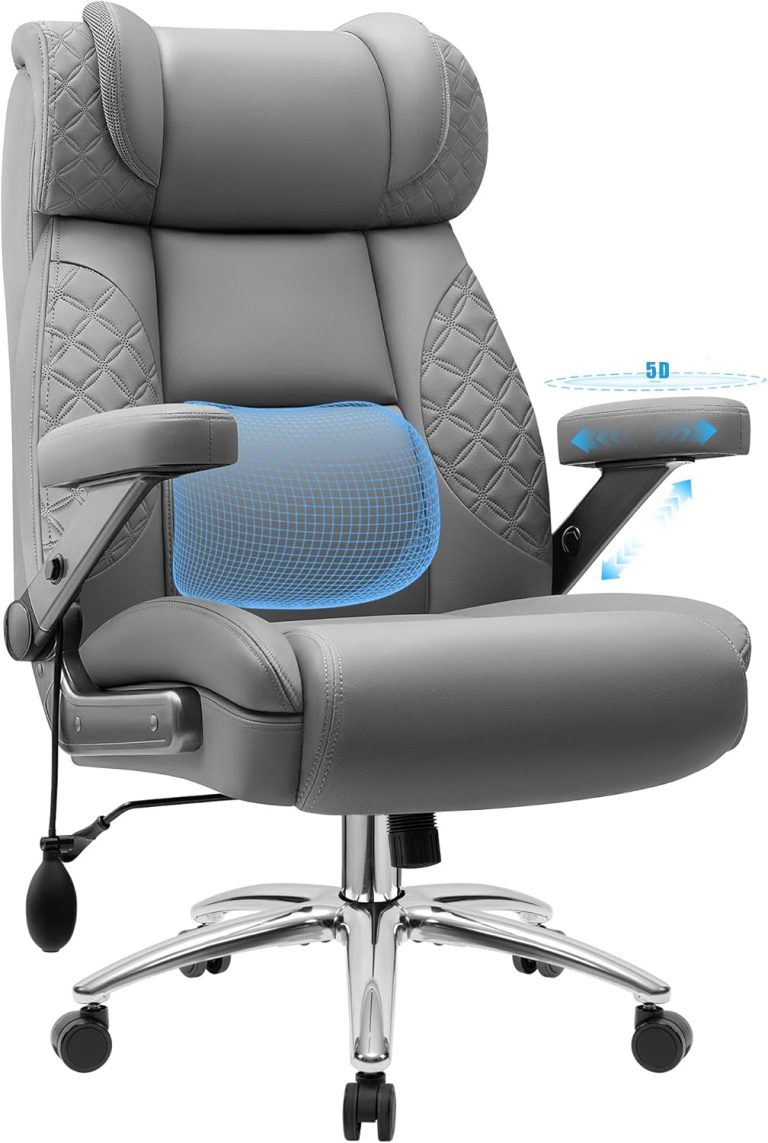
For chair material and structure, our discussion of mesh versus leather office chair considerations can help frame the seating side of the arrangement. The important point here is fit: a chair surface, seat height, and seat depth must support the posture that lets the desk work properly.
Frequently Asked Questions
How do I calculate desk height in inches?
Begin with the chair set for supported feet and comfortable knees, then measure from the floor to your natural sitting elbow or hand level. Compare that measurement with the top of the keyboard, not merely the top of the desktop. Account for the keyboard, tray, and desk mat thickness. The final height is the one that keeps shoulders relaxed, elbows near the sides, and wrists close to neutral.
What desk height should I use if my chair has adjustable seat height?
Adjust the chair first so your feet are supported and your thighs have clearance beneath the desk. Then set the desk or keyboard surface to your sitting elbow height. A chair seat commonly falls within 16.5 to 18 inches, but that range cannot replace the posture check. If the desk remains too high, lower the keyboard with a tray or add a footrest without blocking the chair.
What should a desk be for someone who is 5 feet 4 inches, 5 feet 5 inches, 5 feet 6 inches, or 6 feet tall?
Height alone cannot determine the correct desk measurement because proportions, chair settings, footwear, and task all change the result. Use body height only as a rough starting reference. Set the seat for supported feet, measure sitting elbow height, and match the keyboard surface to relaxed shoulders and neutral wrists. The same standard desk can suit one person and miss another.
Why do my shoulders or wrists hurt even though the desk height seems correct?
Check the effective keyboard height, not the nominal desktop height. A thick mat, raised keyboard, distant mouse, restrictive armrest, or laptop screen can create strain while the desk measurement appears right. Inspect monitor height and tilt as well. If discomfort persists, the problem may involve chair seat depth, clearance, reach, or task position rather than desk height alone.
Can a footrest solve the problem if raising my chair leaves my feet dangling?
Yes, a footrest can provide lower-leg support when a tall desk requires a higher chair position. Set the chair first, then position the footrest so the feet are supported and the knees remain comfortable. The footrest must not stop the chair from moving close enough for the elbows to stay near the body. If it creates that barrier, a keyboard tray or different desk is the better correction.