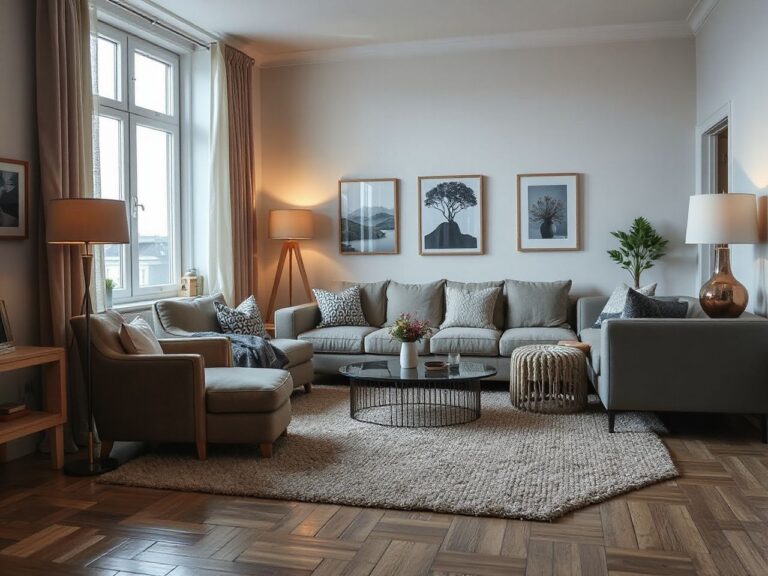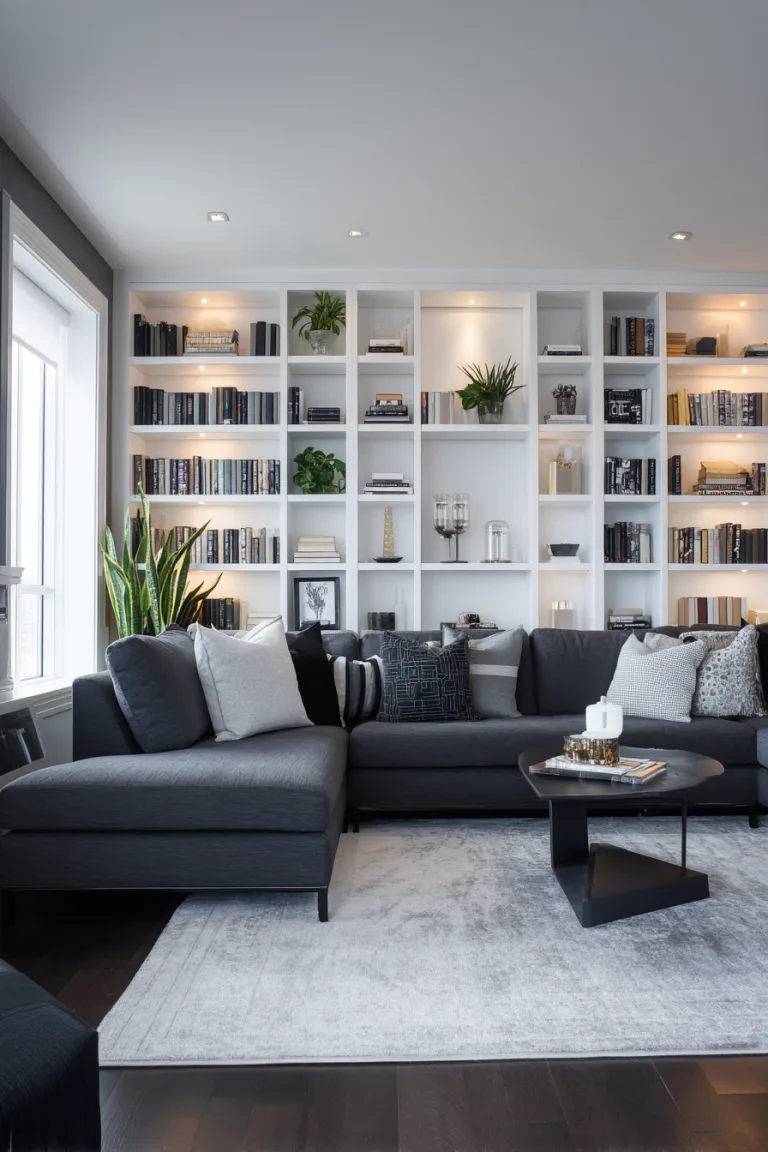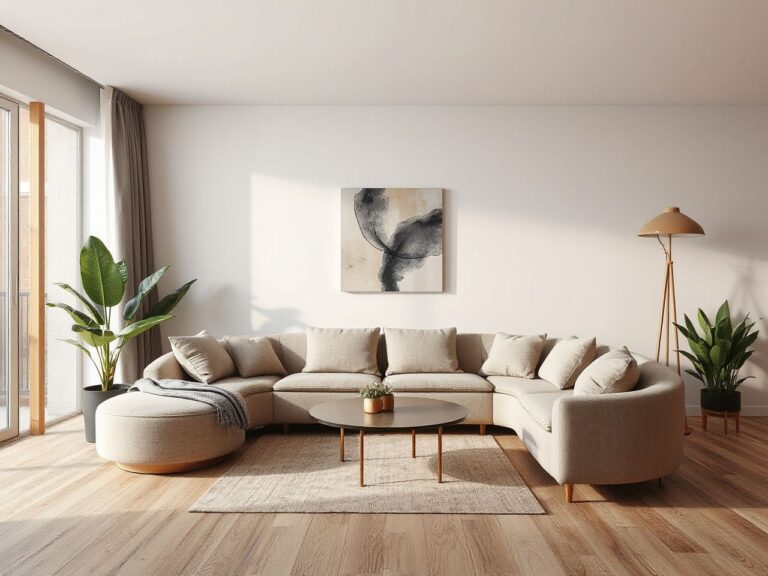
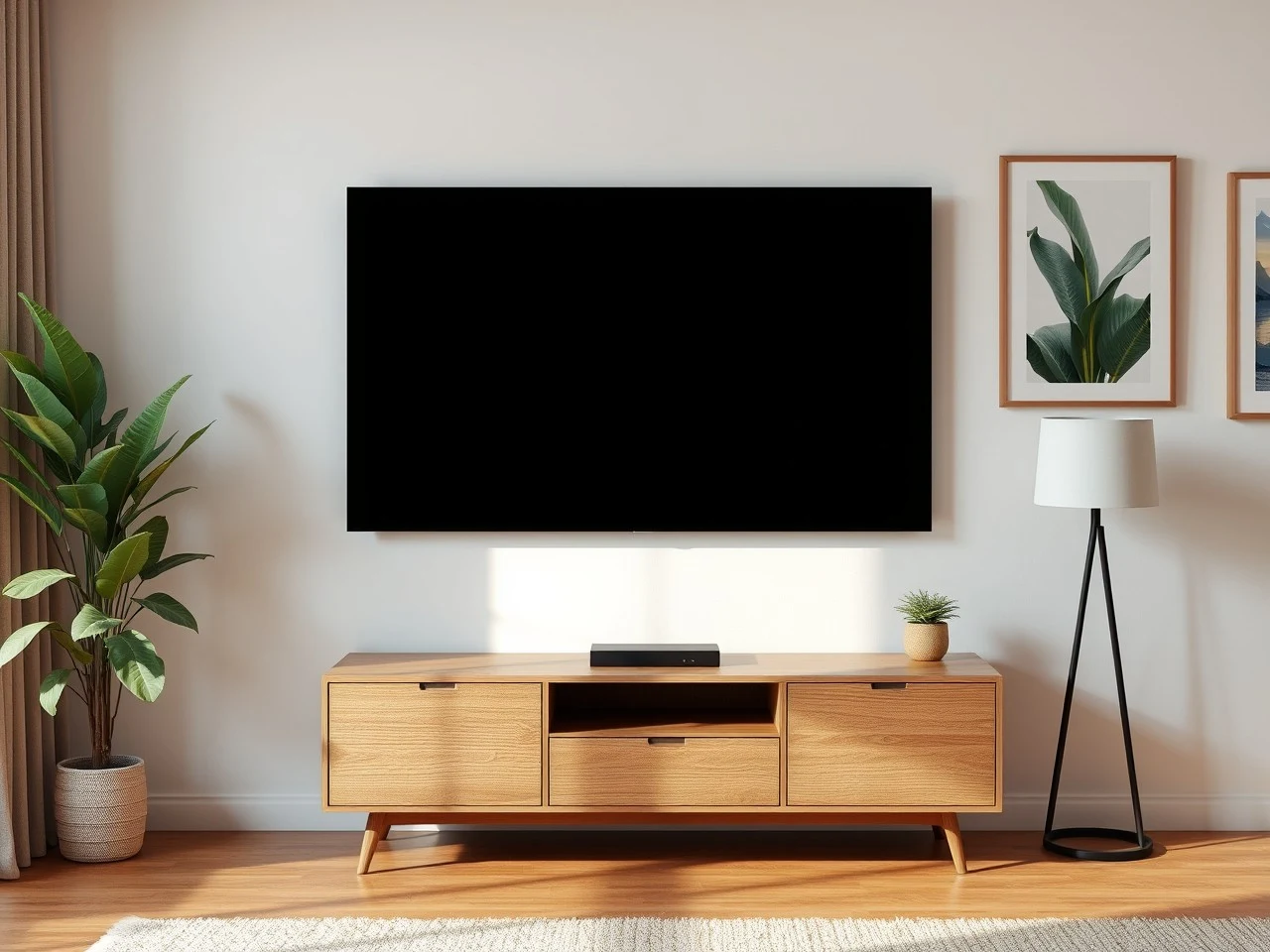
The middle of the screen should sit close to the seated eye level of the people who watch most. Its top edge shouldn’t set the height. TVs often get a shortcut: a number from a rule of thumb gets applied to the wall before anyone sits down. Height depends on the angle of the viewer’s gaze, so a bigger screen grows both up and down from that middle point rather than moving the whole picture higher. Anyone working out how high to mount a TV is better off with painter’s tape and a seat on the sofa than a tape measure and a guess.
Key Takeaways
- Line up the center of the screen with seated eye level, measured from the real viewing seat.
- Mounting too high is the most common error and it strains the neck, especially above a fireplace.
- Tape out the screen footprint on the wall and live with it for a day or two before drilling.
- A tilting or articulating arm can recover comfort when the TV has to sit higher than ideal, and studs and mount weight rating matter more than the chosen height.
How High to Mount a TV: Start With the Gaze, Not the Wall
The right height for a wall-mounted TV is the one that lets viewers look at the middle of the screen. Their head should stay level or tip down only slightly. Walls have no opinion about this. Studs, mantels and furniture all pull toward a spot that suits the room, not the people in it.
Eyes move easily from side to side but tire quickly when the head tilts back. Watching a screen that makes you look up for a whole film is like reading a book held above your forehead. The discomfort builds slowly. That’s why a bad height often goes unnoticed until the first long evening.
Center of the screen versus top edge of the screen
The center of the screen is the reference point, since the eyes take in the picture as a whole and rest near its middle. Lining up the top edge with eye level pushes everything else down. That puts the action below the line of sight. It sounds comfortable, but it forces you to slump or crane the other way on a large panel.
The top edge is a useful check rather than a starting point. If the top of the screen climbs far above the natural line of sight, the center is probably too high as well. Start with the middle. Then glance at the top and bottom to see whether the whole picture sits in a calm, comfortable band.
How screen size changes the height
A larger screen changes where the bottom edge lands, not where the middle should be. Because the middle stays fixed near seated eye level, a bigger panel simply grows outward in both directions. So the lower edge drops toward the furniture or console beneath it, while the top edge rises.
That’s why a large screen can feel too low and too high at once if you mount it by the top edge. Size ties into viewing distance too. The closer the sofa, the more the screen fills the field of view, and the more a poor height is felt. Anyone choosing a screen and a wall position together should treat viewing distance and size as a pair. Settle the seat first.
The guide on how high a TV should be mounted at home covers the same principle from the room-planning side. It pairs well with the steps below.
Measure the Real Viewing Spot
The only reliable height comes from sitting in the actual viewing seat. Note where the eyes hit the wall. A chart figure can’t account for a deep sofa, a low recliner or a viewer who slouches.
Step 1: Sit the way you really sit
Settle into the seat as if a film were starting. Let the cushions compress and the head rest where it naturally falls. Sit upright and alert for the measurement and you get a number that’s wrong the moment the evening gets comfortable.
Step 2: Mark eye level on the wall
Have a second person hold a strip of painter’s tape on the wall. Put it at the exact height where the eyes look straight ahead. Measure from the floor to the tape, and that figure is the seated eye level for that seat. It becomes the starting point for the center of the screen.
Step 3: Account for who watches most
Set the height from the seated eye level of whoever watches most, not an average. If one person always takes the same corner of the sofa, that seat decides. Aim for a middle ground if the family spreads out, and let a tilting mount handle the difference.
Sofa versus recliner versus floor
Seating position changes the answer more than most people expect. Sofas hold the head fairly upright and fixed. Recliners lower and tip the head, so the same wall position feels higher. Viewers who sprawl on the floor or lean against the sofa base sit lower still.
- Sofa viewing: measure from the usual spot with cushions compressed.
- Recliner viewing: measure with the chair in the reclined position that is used for watching, not the upright one.
- Floor or low seating: expect a lower center, and consider an articulating arm if the screen must also serve higher seats.
- Mixed use: pick the seat used for long viewing sessions and let shorter-use seats adapt.
Living room versus bedroom
A bedroom TV is usually watched from a bed. Pillows prop the head, and the eyes often sit lower than on a sofa. The same method applies, but the measurement must be taken lying back or propped up. That standing-room habit of mounting it high in the corner tends to produce a sore neck. A tilting or swing-out arm earns its place here.
Mock It Up Before Drilling Any Holes
A mock-up with painter’s tape or a cardboard cutout shows the finished position on the wall before a single hole is drilled. It catches problems a tape measure cannot. Experienced installers sit in the real viewing spot. They tape out the screen footprint and leave it up for a day or two before committing.
How to build the template
- Measure the width and height of the TV itself, not the diagonal listed on the box.
- Cut cardboard to those dimensions, or outline the same rectangle on the wall with painter’s tape.
- Place the center of the rectangle at the seated eye level marked earlier.
- Add a small mark for the mount’s own position, since the bracket and the TV hang at slightly different heights depending on the mount design.
- Sit in each seat and look at the template from several angles.
What a day or two on the wall reveals
Living with the template exposes problems a quick look won’t catch. Daylight moves across the room, and glare on the screen area may only appear in the afternoon. Lamps switched on in the evening can throw reflections that never show up at noon. This is where lighting earns its place in the plan. Window light and lamp positions should be judged against the TV spot first, rather than adding lamps afterward to compensate for a bad screen position.
A day or two also reveals a soundbar collision. It can show a light switch or socket in the way, a door that swings into the zone, or a stud that forces a compromise. Each one is cheap to fix with tape and expensive to fix with a drill.
Use the Mount Type as a Height-Correction Tool
A tilting or articulating arm can recover viewing comfort when the TV has to sit higher than ideal. Picking the mount is part of picking the height, not a separate decision you make later.
Fixed brackets
A fixed bracket holds the screen flat against the wall, keeping it closest to the surface. That suits a display at or near eye level. It can’t correct a position that turns out slightly wrong, so it rewards a careful mock-up. Flat-panel displays are usually under 10 centimetres (3.9 in) thick. That’s why a fixed bracket leaves them sitting neatly close to the wall.
Tilting brackets
A tilting bracket lets the top of the screen lean forward, pointing the picture down toward the viewer. It helps when the TV must sit higher than ideal, such as above a fireplace or a window. The angle brings the image back toward the line of sight. Tilt also helps with reflections from overhead lights, since a small tilt can turn a bright reflection away from the seat.
Articulating (full-motion) arms
An articulating arm lets the screen pull out from the wall, swing sideways and often tilt as well. It suits rooms with seats at different angles and heights, or a TV that needs to face a different part of the room at times. The trade-off is a screen further from the wall and a bigger load on the wall fixing. That’s why the stud position and weight rating deserve extra attention.
VESA pattern and compatibility
The back of the TV carries a standard hole layout known as the VESA mounting pattern, and the bracket has to match it. The pattern, the TV weight and the mount’s weight capacity are listed by the manufacturers, so check the TV’s manual and the mount’s documentation instead of assuming any bracket fits any screen.
Is It Okay to Mount a TV Above a Fireplace?
Mounting a TV above a fireplace is possible, but it’s the most common way to end up with a screen that’s too high. Heat adds a second concern. Fireplaces tend to sit at a height that suits a mantel and a log fire, not a seated viewer.
What it does to your neck
A screen placed above a mantel often puts the middle of the picture well above seated eye level. Your head tips back and your chin lifts, and the muscles at the base of the skull work harder for the length of a film. A tilting or pull-down mount recovers some of that by angling the screen down or lowering it to a better height when in use.
Heat and clearance
Heat from a working fireplace can damage electronics. A mantel may not leave enough clearance between the firebox and the TV. Check the manufacturer’s operating conditions before you pick a spot, since they state the limits. Fire-safety bodies such as the National Fire Protection Association publish codes covering fireplaces and chimneys, which makes them a sensible reference for the heat side of the question.
A decorative or unused fireplace is a different case from a working one. The viewing-angle problem stays the same, though. If neck comfort is the priority, a console or media unit on another wall is a reasonable alternative to forcing the TV above the mantel.
Walls, Studs and Weight Matter More Than Height
The wall type and the mount’s weight capacity matter more than the chosen height. A perfectly positioned TV that falls off the wall isn’t any use to anyone. Anchor to studs, or use hardware rated for the TV’s weight.
Find the studs first
A stud finder locates the wall studs behind the surface. Mark them beside the taped template. That way you can compare the mount’s fixing points with the stud positions before drilling anything. A spirit level keeps the bracket straight, since even a small tilt shows as a slope across a wide screen.
When the studs do not land where the TV should sit
Studs rarely line up with the ideal position. There are three honest options:
- Move the TV sideways to the nearest stud position if the viewing angle allows it.
- Use a mount with a wide plate or adjustable bracket that spans more than one stud.
- Use fixings rated for the wall type and the TV’s weight, following the instructions for that wall material.
Shifting the TV to suit a stud is usually a smaller compromise than shifting it up or down. Small sideways moves cost less viewing comfort than a height change does.
Safety guidance
The U.S. Consumer Product Safety Commission publishes safety information on televisions tipping over and causing injury, which is a reason to treat the fixing as a safety decision as well as a design one. Check the weight on the TV’s label against the mount’s rating, and follow the wall-fixing instructions that come with the mount.
Soundbars, Consoles and Cables at the Final Height
A soundbar changes the TV’s height. It needs its own space, either directly below or above the screen. That space must be planned in the mock-up, not discovered afterward.
Where the soundbar goes
Most soundbars sit just below the screen. So the TV has to rise slightly to leave room beneath it, or the soundbar has to sit on a console in front of the wall. Add the soundbar’s footprint to the tape template and look at the combined shape from the seat. If the combination pushes the screen’s center above comfortable eye level, mount the soundbar on the wall below instead of raising the TV. Or choose a tilting arm to recover the angle.
Hiding the cables
Cables look best when planned at the final height, not before it. Run them through the wall where local rules and the wall construction allow. Or hide them in a raceway that sits against the wall and can be painted to match. Leave a little slack at the back of the TV so the screen can tilt or swing without pulling on the connectors.
The console alternative
A TV console or media unit avoids drilling altogether. That keeps the screen at a lower, often more natural height. It works best where the seating layout is fixed and wall space is limited, and it can hold the soundbar and boxes with no wall work at all.
Curtains and wall features around the TV change how the finished wall looks too. The same sightline principle applies. A guide on how high to hang curtains for a polished look shows how a window treatment near the screen can frame the wall rather than compete with it.
Fixing a TV That Went Up Too High
A TV mounted too high can usually be corrected without leaving large holes. That holds as long as the fix is chosen before more holes are drilled. The simplest remedies come first.
- Add a tilt. Replace the fixed bracket with a tilting one that uses the same fixing area, which angles the picture downward without moving it.
- Swap to a pull-down or articulating arm. This lowers or angles the screen into a better line of sight, though the wall fixing needs to suit the new mount.
- Move it down in place. If the stud positions allow, re-mount lower and cover the old holes with filler and paint.
- Cover or reuse old holes. A new bracket can sometimes line up with existing holes, and unused ones can be filled and sanded smooth.
Small screw holes in painted drywall repair easily with filler. Large anchor holes take more work. A mock-up before the first drill is cheaper than any repair afterward.
Glare, Light and the Rest of the Room
Window light and lamps affect the right TV height, because reflections change what you can see from each seat. A screen that’s comfortable at eye level may still be unwatchable if a window reflects in it during the afternoon.
Check the template wall at different times of day and with the lamps on. If glare appears, a slight tilt, a shift sideways or a change in lamp position often solves it. Seating layout matters too. Seats placed far off to one side see the screen at an angle. So a swivel arm or a more central position may suit better than adjusting height alone.
The Bottom Line
A good mounting height starts in the seat, not on the wall. Sit where the viewing happens, find the middle of the line of sight and put the center of the screen there. Tape the shape up. Live with it for a day or two. Let a tilting or articulating arm absorb any compromise that studs, a soundbar or a fireplace force. The rest, from cables to fixings, follows from that position.
Frequently Asked Questions
How high should the center of my TV be from the floor in a living room?
There’s no single figure that suits every room. The center of the screen should sit near the seated eye level of the main viewers. So sit in the usual seat, have someone mark where your eyes look straight ahead, and measure from the floor to that mark. That number is correct for that seat, sofa height and posture.
Should I line up the middle or the top of the screen with eye level?
Line up the middle. Using the top edge pushes the picture downward below the line of sight, particularly on large screens. The middle keeps the whole image in a comfortable band. Treat the top edge as a check only: if it climbs far above the natural line of sight, the center is probably too high.
Is it okay to mount a TV above a fireplace?
It can be done, but the screen’s often too high, which strains the neck. Heat from a working fireplace can damage electronics. Check the TV manufacturer’s guidance on heat and clearance. Consider a tilting or pull-down mount to bring the picture closer to eye level. A console on another wall is a simpler option.
How do I decide how high to mount a TV before drilling?
Cut a cardboard template to the TV’s width and height, or outline it on the wall with painter’s tape. Center it on seated eye level. Sit in every seat, check for glare in daylight and lamplight, and leave it up for a day or two. Mark the studs with a stud finder beside the template before you commit.
What do I do if my studs do not line up with where the TV should sit?
Move the TV sideways to the nearest stud if the viewing angle allows. A sideways shift costs less comfort than a height change. Otherwise, use a wide-plate mount that spans more than one stud, or fixings rated for the wall type and the TV’s weight. Always check the mount’s weight capacity against the TV’s label.
Can I fix a TV that is already mounted too high?
Yes, it’s possible. Swapping a fixed bracket for a tilting one angles the picture down without moving the TV. A pull-down or articulating arm can lower it further. If the studs allow it, re-mounting lower and filling the old screw holes with filler and paint leaves the wall tidy.
Does mounting height differ in a bedroom?
Often it does, since bedroom viewers sit or lie lower with their heads against pillows. Measure eye level from the bed in the position you’ll use for watching. Consider a tilting or swing-out arm so the screen can angle toward the pillow end. Mounting it high in a corner tends to cause neck strain.
Where does a soundbar go, and does it change the TV’s height?
A soundbar usually sits just below the screen, taking up space the TV might otherwise use. Add its footprint to the tape template and check the combined shape from the seat. If the center of the screen rises too far, mount the soundbar on the wall below or use a tilting mount to recover the viewing angle.
How do I hide the cables at the final height?
Plan cable routes once the final position is confirmed. Run them inside the wall where construction and local rules allow, or use a paintable raceway fixed to the wall surface. Leave some slack behind the TV so a tilting or swinging arm can move without pulling on the connectors.