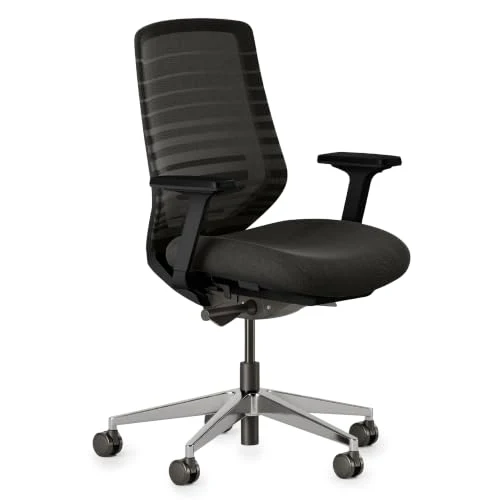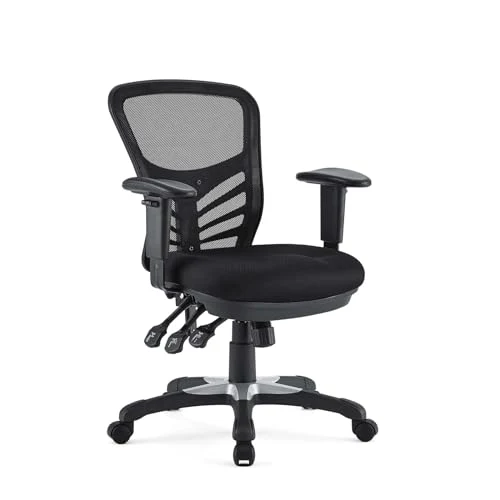
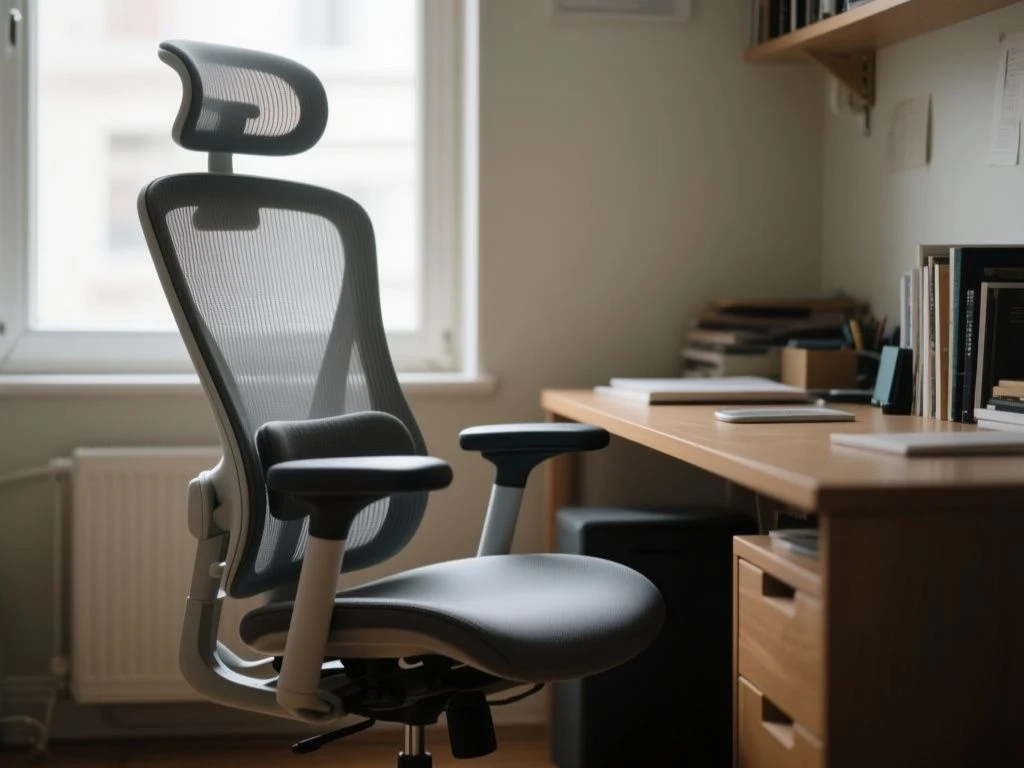
A poorly fitted office chair can leave the lower back working against the seat, desk, and monitor for hours, even if the upholstery feels pleasant at first. The key distinction is between a chair that feels soft or supportive initially and one whose dimensions and adjustments let the pelvis, lower back, feet, arms, and desk stay aligned over extended work periods.
For anyone researching what to look for when choosing an office chair for back pain, the answer is a system rather than a single feature. Lumbar support, seat depth, recline behavior, armrests, and desk clearance must work together, because an impressive individual feature can become uncomfortable when the chair does not match the user’s body or workstation.
Key Takeaways
- Choose fit and adjustment range before judging padding or appearance.
- Look for lumbar support that contacts the lower back without forcing an exaggerated arch.
- Keep feet supported, knees clear of the seat edge, and armrests compatible with the desk.
- Plan for posture changes, maintenance, and professional medical advice when symptoms persist.
Step 1: Check the fit before the padding
A chair can feel comfortable for ten minutes yet become painful after several hours because short-term softness does not prove that the seat supports the body in a workable position. The important checks are seat height, seat depth, backrest contact, and the relationship between the chair and the desk.
Set the seat height around your feet and knees
Seat-height adjustment is essential if the feet do not reach the floor comfortably. A pneumatic gas lift gives the user a practical way to raise or lower the seat so the feet remain supported, with the hips at or slightly above the level of the knees.
The feet should rest on the floor or on a suitable footrest rather than hanging unsupported. A footrest can help when the desk requires a taller chair position, but it should not be used to compensate for a seat that is fundamentally too deep or too high.
Seat height affects more than the legs. A chair that sits too low can place the knees above the hips and alter how the pelvis meets the backrest. A chair that sits too high can leave the feet unsupported and may encourage the user to slide forward. The exact setting depends on the person and the desk, so adjustment range matters more than a claimed ideal height.
Measure seat depth by the space behind the knees
Seat-pan depth adjustment is one of the most useful features for people whose legs and torso do not match the chair’s fixed proportions. With the back against the backrest, leave a space of roughly two to three fingers between the front edge of the seat and the back of the knees.
A waterfall seat edge can reduce pressure at the underside of the thighs because the front of the seat slopes away rather than ending in a hard, square edge. The edge still needs to sit in the right place; a waterfall shape cannot correct a seat that is too deep.
Match the chair to hip width and torso length
Seat width must allow the hips to rest naturally without the armrests pressing inward. The backrest should contact the lower back at the right height for the user’s torso, not simply present a large curve that suits someone else’s proportions.
Manufacturers do not always publish every internal measurement needed for a precise fit. The listing may state overall width and height while omitting usable seat width, seat-depth range, or the height range of the lumbar mechanism. Those missing figures should be treated as a reason to seek a dimensioned drawing or a clear return policy, not as evidence that the chair will fit.
Step 2: Assess lumbar support and recline
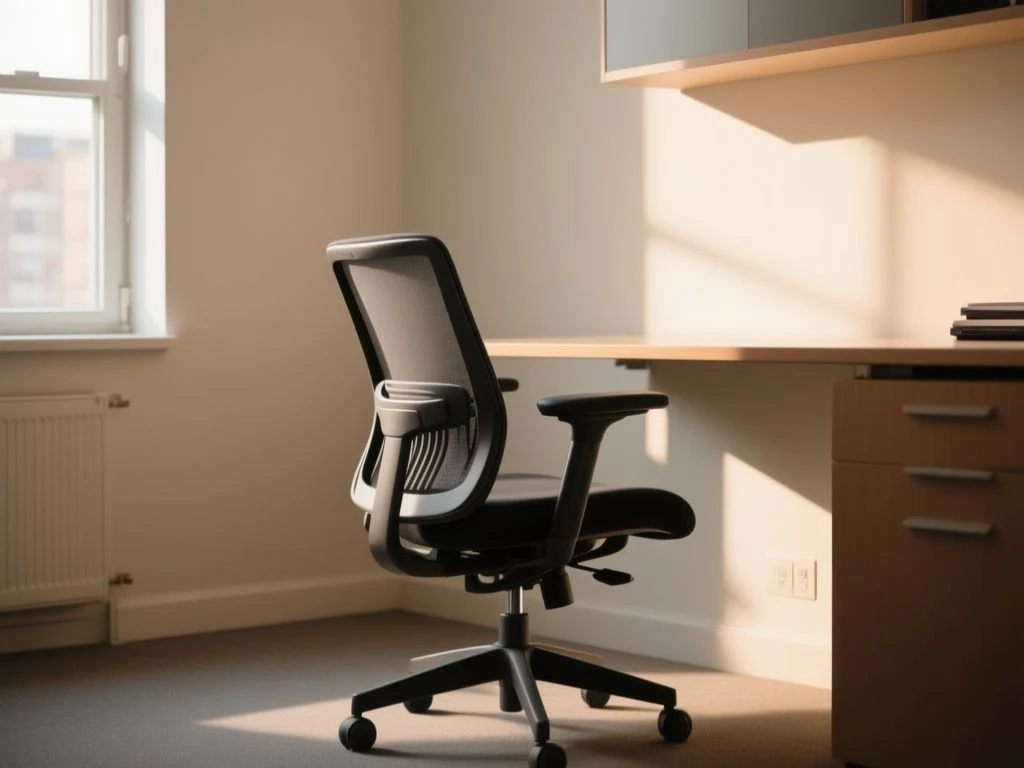
Lumbar support should contact the lower back without forcing the spine into an exaggerated arch. Adjustable lumbar support is generally more adaptable than a fixed curved backrest because the user can alter its height and, where provided, its depth to match the torso.
What lower-back support should feel like
A supportive backrest should meet the lower back while allowing the pelvis to remain in contact with the seat. Excessive prominence can push the pelvis forward or create a feeling of pressure in one small area. Minimal contact can encourage the user to slide or round away from the backrest.
The right position is not necessarily the most noticeable position. Adjust the lumbar element gradually, then check whether the backrest supports the lower back while the shoulders remain relaxed and the head does not need to reach forward toward the monitor.
Adjustable lumbar support is better than a fixed curve only when its range suits the user. A poorly positioned adjustable pad is still poorly positioned. The feature earns its place by allowing a closer match between the chair and the person’s torso.
Understand recline angles
An office chair should be able to recline through a useful working range, with roughly 100 to 110 degrees representing the range commonly specified for an office posture. Reclining changes the relationship between the back and the seat, so the backrest can share more of the upper-body support instead of leaving the user upright against gravity.
Synchro-tilt coordinates the movement of the seat and backrest. Independent backrest recline allows the user to change the back angle without necessarily changing the seat angle to the same extent. The better choice depends on how the user works and how much freedom the mechanism provides.
Recline is not a licence to lose contact with the desk. The monitor, keyboard, and mouse still need to remain within comfortable reach. A user who reclines but then leans forward to type has surrendered much of the benefit of the backrest.
Do not chase one perfect posture
No chair posture remains beneficial indefinitely. Adjustability, recline, and regular position changes matter more than holding one rigid arrangement throughout the workday.
Movement breaks and changes between sitting and standing can reduce the time spent in one static position. A sit-stand desk can help vary the workstation, but it does not remove the need to position the screen, keyboard, and pointing device at workable heights in both positions.
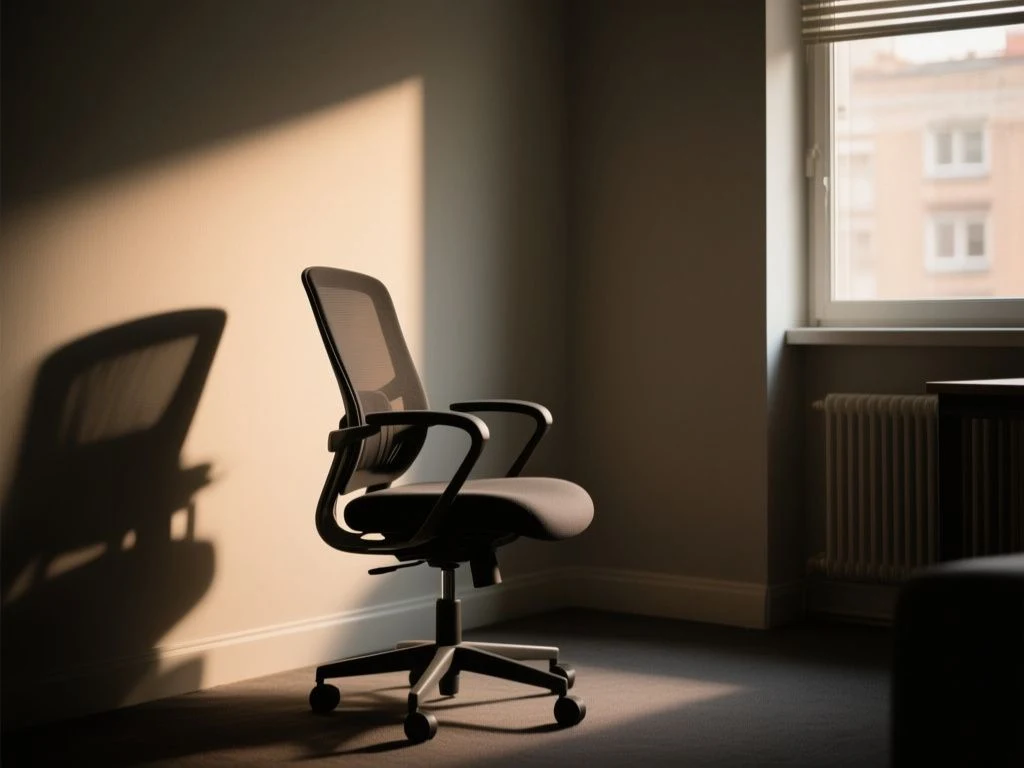
Step 3: Fit the arms and desk as one system
Armrests influence the shoulders, neck, and lower back because they affect how close the chair can move to the desk. Height- and width-adjustable armrests provide more control than fixed arms, but only if the adjustment range suits both the user and the desktop.
Set the armrests without lifting the shoulders
Elbows should sit at roughly 90 degrees without hunching or elevating the shoulders. The forearms should be supported when the user is typing or using a mouse, while the wrists remain in a comfortable line with the hands.
Armrests that are too high can lift the shoulders. Armrests that are too low may leave the arms unsupported. Arms that are too wide can pull the elbows away from the torso, while arms that are too narrow can press against the hips.
Desk height changes the answer. If the armrests are taller than the underside of the desk, they may stop the chair before the user can move close enough to the keyboard. That forward reach can draw the shoulders toward the screen and reduce contact with the backrest.
Check desk clearance before committing to the chair
Remove or lower the armrests if the design allows it, then move the chair toward the desk. The user should be able to reach the keyboard without leaning forward and should be able to use the backrest while working.
A chair’s overall height does not reveal its clearance under a desk. Look for the armrest height range, the underside height of the desk, and whether the arms pivot or move out of the way. If the listing omits those measurements, the chair cannot be judged fully from the headline dimensions alone.
Monitor positioning belongs in the same check. A chair cannot correct a screen that is too far away or a keyboard that forces long forward reach, so assess the complete desk and monitor positioning for a neutral sitting posture.
Step 4: Choose materials for sustained contact
Material choice matters, but the frame and adjustment geometry come first. A breathable mesh back can reduce the sense of heat against the torso and can allow the backrest to follow the body without thick padding. Mesh does not automatically provide appropriate lumbar placement, so inspect the support mechanism separately.
Cold-cure molded foam can provide a shaped seat with consistent support across its surface. Padded fabric can feel warmer and softer at first, yet softness alone says little about seat depth, edge pressure, or how well the pelvis stays positioned.
For back pain, the useful question is not which material sounds most comfortable in a listing. Ask whether the seat preserves foot support, leaves the knees clear, and keeps the backrest and lumbar feature in contact during ordinary work.
Compare other seating formats fairly
A kneeling chair changes the relationship between the hips, knees, and seat. A saddle chair changes the shape of the sitting surface. A sit-stand setup changes the amount of time spent seated. None of these formats can be judged as a universal solution for back pain, because individual fit and tolerance remain central.
A conventional office chair offers a broader set of adjustments for seat height, seat depth, recline, and arm position. A different seating format may suit a user who wants frequent posture changes, but it still needs an appropriate working height and a desk that does not force forward reach.
Seat cushions and footrests can address a narrow fit problem, such as a seat that is slightly too high or a surface that needs modest height adjustment. They should not be used to disguise a poor chair fit or persistent symptoms.
For readers comparing models through editorial roundups, the office chair guidance for lower-back pain can provide another way to organize the decision. A roundup should supplement, not replace, checking dimensions against the actual desk.
Step 5: Check standards, construction, and ownership
Standards can help separate a chair with documented office-chair requirements from one described only with comfort language.
Look for clear statements about the standard and the version or scope that applies. A vague claim that a chair is ergonomic is not the same as documentation showing which requirements were assessed. Information about standards should be checked against the organizations that publish them, including BIFMA and CEN-CENELEC.
Safety claims should be treated with similar care. The U.S. Consumer Product Safety Commission provides consumer safety information, but a general government safety page does not certify a particular chair. The listing should identify the chair, the relevant standard, and the scope of any compliance statement.
Inspect the parts that affect long-term use
Long-term ownership depends on replaceable casters, cushions, and adjustment mechanisms as well as the initial price. A chair becomes less practical if a damaged caster requires replacing the entire base or if a worn cushion cannot be replaced.
- Check whether replacement casters are listed as compatible with the base.
- Ask whether the seat cushion can be replaced rather than permanently bonded into the frame.
- Look for service information covering the gas lift, tilt mechanism, and armrest hardware.
- Keep the caster paths clear and check for wobble, cracking, or uneven rolling.
- Pay attention to changes in tilt resistance, locking, or unintended sinking.
A pneumatic gas lift that gradually sinks, a caster that binds or sits unevenly, or a tilt mechanism that no longer holds its setting deserves attention rather than continued use without inspection. The listing may not state service intervals, so do not invent one; follow the manufacturer’s maintenance instructions.
Read the specification sheet without being distracted by the image
Overall width and height are useful starting points, but they do not prove that the seat fits. Find the usable seat width, seat-depth adjustment, seat-height range, lumbar adjustment range, armrest dimensions, and weight capacity where the manufacturer provides them.
Check what is missing. If the manufacturer lists breathable mesh but does not describe lumbar movement, the back material cannot answer the support question. If the listing gives a large weight capacity but omits the seat depth, capacity alone cannot establish personal fit.
Readers wanting a broader look at adjustment-focused models can also review this office chair adjustment comparison. The relevant lesson is simple: a chair should be compared against the user’s measurements and desk, not against a product photograph.
How to set up a supportive chair at home
Begin with the chair close to the desk but not trapped beneath it. Lower or raise the seat until the feet are supported and the hips sit at or slightly above knee level.
- Place the pelvis fully against the backrest.
- Adjust the seat depth until roughly two to three fingers fit behind the knees.
- Move the lumbar support until it contacts the lower back without forcing an exaggerated arch.
- Set the recline so the backrest supports the torso while the user can still reach the keyboard without leaning forward.
- Adjust the armrests so the elbows sit at roughly 90 degrees without raised shoulders.
- Move the chair toward the desk and confirm that the armrests do not block the approach.
- Recheck the monitor and keyboard position after the chair height changes.
Make one adjustment at a time. Changing the seat height, depth, lumbar position, and arms together makes it difficult to identify which setting creates pressure or strain.
Persistent back pain should be discussed with a qualified healthcare professional or physical therapist, particularly if symptoms are new, severe, worsening, or accompanied by neurologic symptoms. A chair can improve support and comfort, but it cannot diagnose or treat the cause of back pain.
Frequently Asked Questions
How do I tell whether an office chair will support my lower back?
Check whether the backrest contacts the lower back while the pelvis remains against the seat. Adjustable lumbar support is useful when its position matches the user’s torso and does not force an exaggerated arch. Then test the seat depth, feet, and recline together. A strong lumbar feature cannot compensate for unsupported feet, a seat edge pressing behind the knees, or a desk that forces forward reach.
What seat height and depth should I choose if my feet do not reach the floor?
Look for seat-height adjustment with a pneumatic gas lift so the feet can rest on the floor or a suitable footrest. Aim for the hips to sit at or slightly above knee level. Set seat depth so roughly two to three fingers remain between the back of the knees and the seat edge. If the chair cannot achieve both positions, its proportions may not suit you.
Does reclining reduce back strain compared with sitting upright?
Reclining changes how the backrest supports the upper body and can reduce the need to hold the torso rigidly upright. A working recline range of roughly 100 to 110 degrees is a useful specification to look for. The benefit disappears if the user leans forward to reach the keyboard, so the desk, monitor, and chair must be adjusted together.
Is an adjustable lumbar support better than a fixed curved backrest?
Adjustable lumbar support is more adaptable because the height and, on some chairs, depth can be matched to the user’s torso. A fixed curved backrest can still fit well if the curve meets the lower back without excessive pressure. The adjustable option is not automatically better; its range must be usable, and the seat depth and recline must support the same position.
Why does a chair feel good for ten minutes but hurt after several hours?
Short-term comfort can hide a seat that is too deep, an edge that presses behind the knees, or lumbar support that feels prominent but pushes the pelvis forward. Desk clearance can also force repeated forward reaching. Set the chair with the feet supported, leave two to three fingers behind the knees, adjust the lumbar feature, and change position rather than holding one posture indefinitely.
Should I choose mesh, molded foam, or padded fabric for back pain?
Material alone does not determine support. A breathable mesh back may feel less warm, while cold-cure molded foam or padded fabric may create a different seat feel. Judge the material alongside lumbar placement, seat depth, edge shape, and adjustment range. The chair should keep the body supported during work rather than merely feeling soft during a brief first impression.
How do armrests and desk height affect the lower back?
Armrests that are too high can lift the shoulders, while arms that prevent the chair from moving close to the desk can cause forward reach. Set the elbows at roughly 90 degrees without raising the shoulders, then check that the chair can approach the desk while the back remains supported. Height- and width-adjustable arms offer more ways to resolve a poor desk relationship.
How does an office chair compare with a kneeling chair or sit-stand setup?
A kneeling chair changes the support pattern around the knees and hips, while a sit-stand desk changes the amount of time spent seated. Neither format guarantees relief from back pain. A conventional office chair offers more direct adjustment of seat depth, seat height, lumbar support, recline, and arm position, but every setup still needs a suitable desk and regular position changes.
Which chair parts need maintenance?
Check casters for binding or wobble, the gas lift for unintended sinking, and the tilt mechanism for changes in locking or resistance. Inspect armrest hardware and any replaceable cushion or support components. Use the manufacturer’s maintenance instructions because the listing may not provide service intervals. Replaceable parts can make long-term ownership more practical than a chair with sealed, non-serviceable components.
For another perspective on office seating details, readers can consult this office chair adjustment and workstation guide, then return to the same fit checks: supported feet, clear knees, matching lumbar contact, workable armrests, and enough freedom to change position.