Most home offices need a lamp before they need another storage box. Better light exposes what belongs within reach, reduces the temptation to pile work in the nearest shadow, and lets the desk support the way you actually work. The practical distinction behind useful home office organization tips is between storage capacity and workflow: an organized office puts frequently used items at the point of use while giving every other item a deliberate home. Paper, digital files, cables, and personal belongings are connected systems, so organizing only the visible desk usually shifts clutter into drawers, folders, or computer desktops.
Key Takeaways
- Set up the desk around frequency of use, with active materials close and reserve supplies stored away.
- Make paper, digital files, cables, and personal items follow matching rules instead of treating them as separate clutter.
- Improve light and safety first, then maintain the system with small resets rather than occasional clear-outs.
Beginner Home Office Organization Tips: Start With the Room, Not the Containers
Step 1: Improve the light before moving furniture
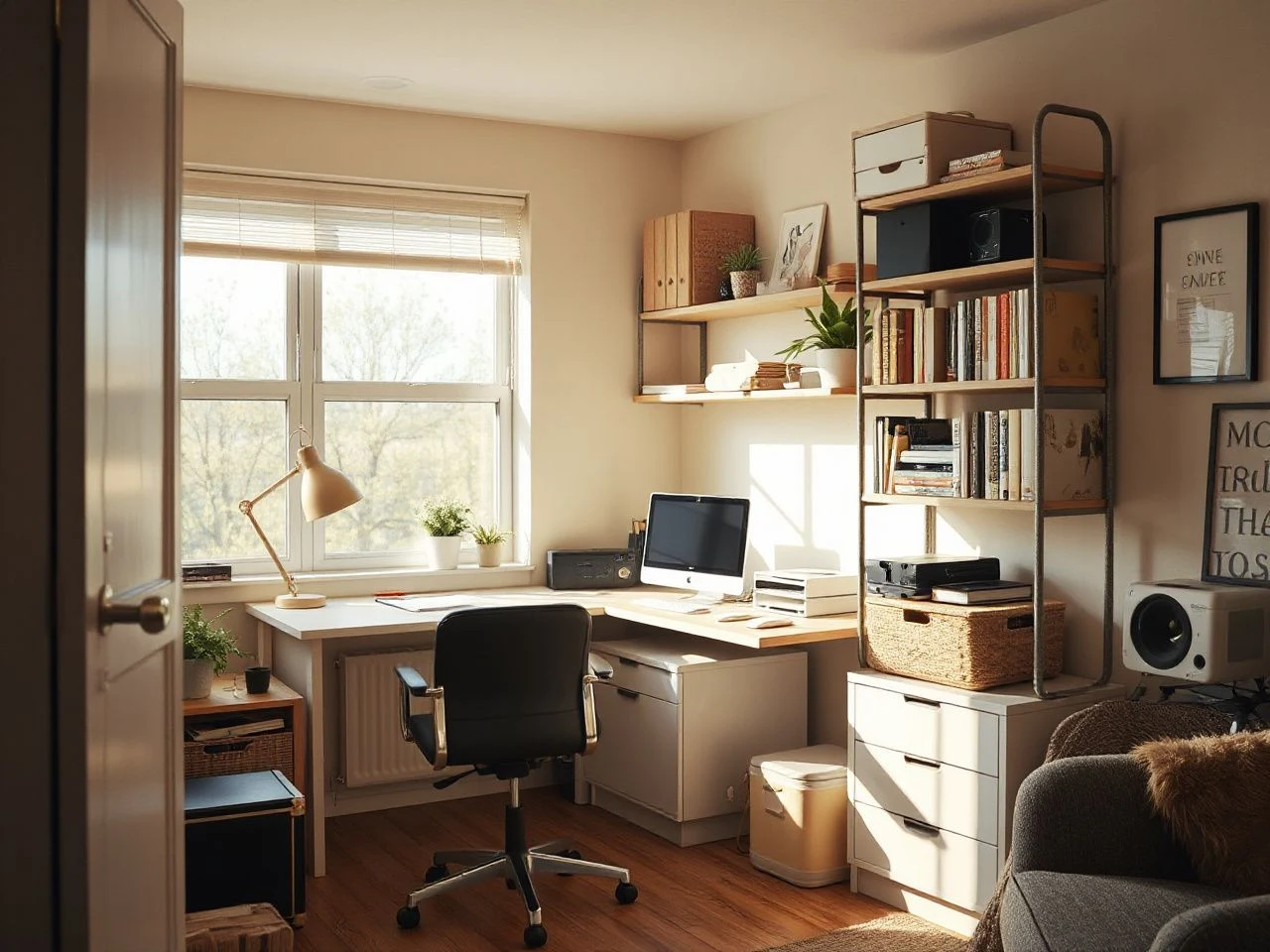
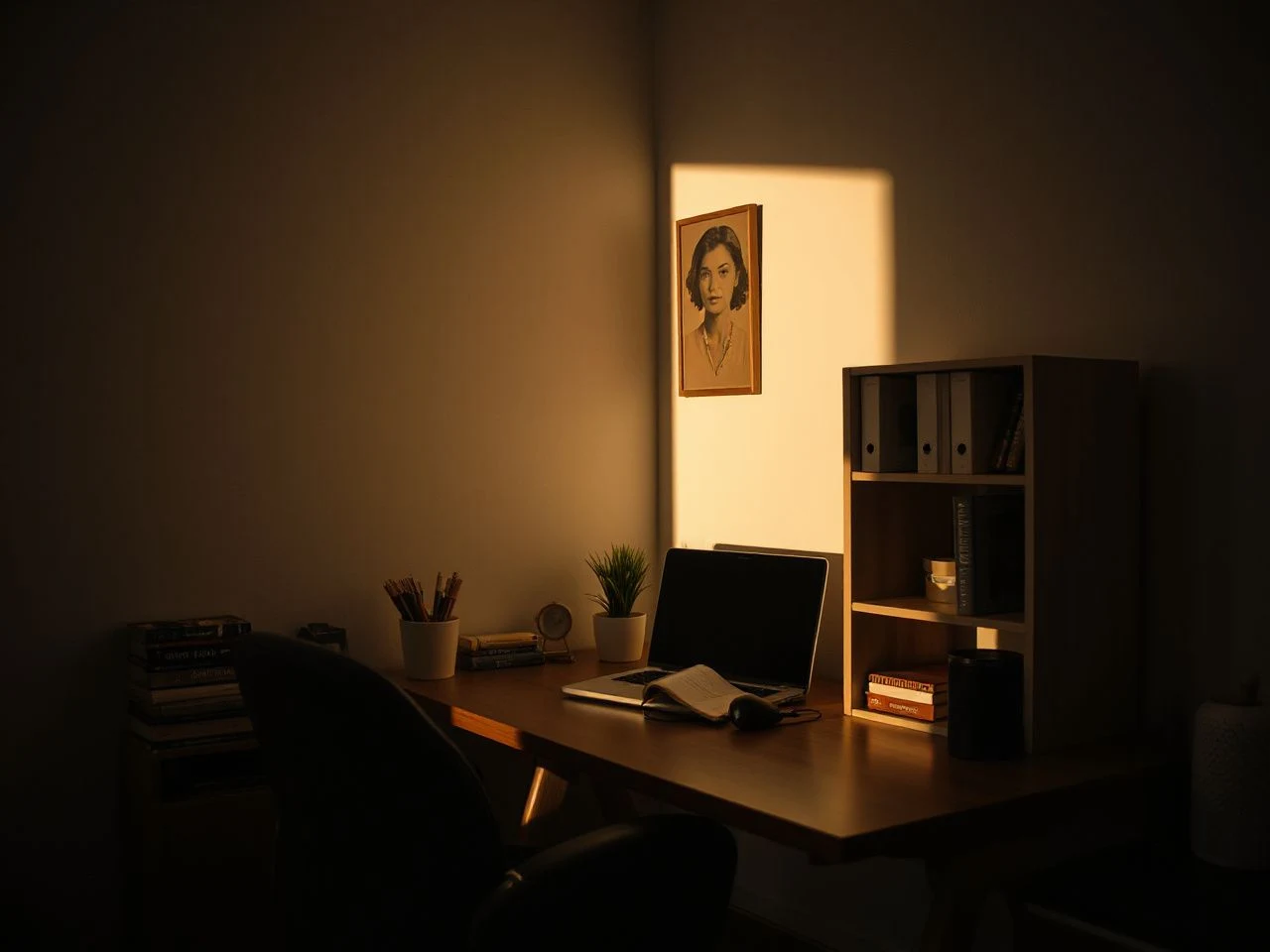
Good organization begins with visibility. A desk lamp should illuminate the work surface without placing glare directly in your eyes or on a monitor, while general home office lighting should help you see shelves, drawers, and walkways clearly. The lamp does not need to be decorative excess; it is part of the room’s operating system.
Set the light where your hand, notebook, and keyboard do not cast heavy shadows over the area you use most. If the room has a window, observe the screen from your normal chair before deciding where the desk belongs. Light that falls across a screen can create glare, and a dim corner encourages papers and personal items to disappear into piles.
Home office lighting affects how easily a person can identify, use, and return office materials. That makes lighting an organizational tool, not merely a finishing detail. For a broader room plan, the ideas in these home office space ideas for creating calm can help connect lighting, furniture placement, and visual order.
Step 2: Divide the office into working zones
Before opening a drawer, identify the zones that already exist in the room or that need to exist. A useful home office may include:
- Active work zone: the desk surface, monitor, keyboard, notebook, and items used through the working day.
- Reference zone: papers, manuals, folders, and books consulted often enough to remain nearby.
- Supply zone: spare stationery, envelopes, printer materials, and reserve office supplies.
- Archive zone: records that must be retained but rarely need immediate access.
- Personal zone: household paperwork, chargers, hobbies, and belongings that should not mix with work materials.
The zones do not need separate rooms. A desk can hold active work, a filing cabinet can hold records, a shelf can hold reference material, and a drawer can hold supplies. The point is to give each type of item a destination that matches how often you use it.
Storage should follow frequency of use rather than the size of the available container. Items used during nearly every work session belong at the point of use; items used occasionally can move farther away without making the office harder to operate.
Step 3: Decide what stays on the desk
A desk is a work surface, not a small warehouse. Keep only the tools that support the current work pattern and that would create needless friction if stored away. A notebook, pen, active project folder, keyboard, monitor, and a lamp may deserve a place on the surface; a reserve pack of envelopes usually does not.
Use a simple test for every object: does the item support the work happening now, or is it waiting for a possible future task? The first group can stay accessible. The second group needs a drawer, shelf, filing cabinet, or clearly marked archive location.
Leave a visible landing area for incoming work. Without one, new papers tend to settle on top of old papers, and the desk loses its distinction between active and undecided. A shallow tray can serve this purpose, but a labeled folder may work just as well if the material stays upright and easy to review.
Intermediate Home Office Organization Tips: Build a Paper and Digital Filing System
Step 4: Give papers a short path from arrival to action
Paper becomes difficult when every sheet is treated as a permanent archive. Create a small process with destinations such as to act, to file, to scan, and to dispose. The exact labels can reflect your work, but each paper should have a next action rather than a vague place in a pile.
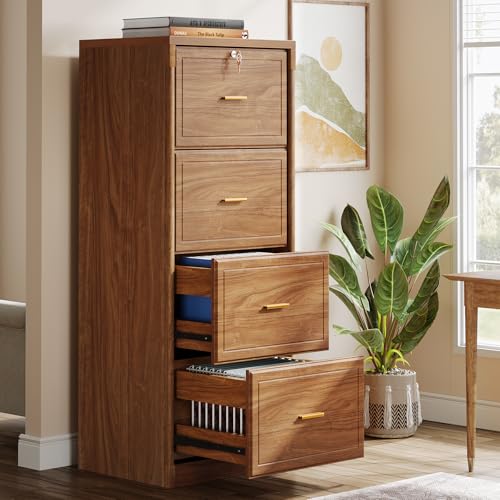
Use a filing cabinet for records that need protection and a folder or tray for work that still requires attention. Keep active papers upright where they can be seen, while completed records move to a labeled drawer. A label maker can create consistent names, but handwritten labels are adequate if they remain clear and follow the same naming rule.
Separate work records from household and personal material. A household bill, school form, or personal letter may need retention, but it should not occupy a work-project folder simply because both items are made of paper. Separate labels protect attention as well as privacy.
A paper filing system works when every document has one obvious next destination. If a document could reasonably belong in three places, the category is too broad or the filing rule is unclear.
Step 5: Match digital folders to paper folders
Digital file organization should mirror the logic of the physical office. If paper records are grouped by client, project, household function, or year, use the same principle for folders on the computer. The names do not need to match perfectly, but the relationship should be easy to understand without relying on memory.
Start with a small number of main folders and use descriptive subfolders only where they answer a real question. A folder named “Documents” gives little guidance; a folder named for a defined project or administrative category makes the next action clearer. Keep final files apart from drafts so that an old version does not appear to be the current one.
Use the document scanner when a paper record needs to join the digital system, then decide whether the original must remain. Scanning is not a substitute for a retention decision. A digital copy still needs a clear filename and a known folder, while sensitive paper should move to secure disposal or shredding rather than an ordinary wastebasket.
A digital filing system is easier to maintain when its folder names reflect the paper system’s categories. This connection prevents the common shift from desk clutter to a crowded computer desktop.
Step 6: Protect confidential documents in a shared home
Confidential paperwork should not remain visible on a shared desk, open shelf, or printer surface. Move it to a designated drawer or filing cabinet when you step away, and use secure disposal or shredding when the material no longer needs to be retained.
Keep work documents separate from personal papers even if both are stored in the same piece of furniture. Distinct folders, labels, and drawer sections make accidental disclosure less likely and reduce the time spent searching through unrelated records.
Confidential documents need a defined storage and disposal path before they enter the office. A filing system that addresses privacy as well as retrieval is more useful than one that only looks tidy.
Advanced Home Office Organization Tips: Make Cables, Storage, and Safety Work Together
Step 7: Route cables from the power source to the device
Cable management works best when the route is planned before the cables are tied together. Identify the power strip location, the devices that need power, and the path that avoids the chair, feet, drawers, and walking route. A cable management tray can keep the underside of the desk readable, but it should not turn a crowded knot into a hidden crowded knot.
Separate cables by destination where possible and leave enough slack for ordinary movement of the monitor or laptop. Labeling both ends can help when several similar cables meet behind the desk. Small ties or clips should gather cables without making it difficult to remove one device later.
Keep walkways, ventilation openings, and emergency exits clear. Route cables so they do not create trip hazards, and keep electrical equipment away from spills and heat sources. The U.S. Consumer Product Safety Commission provides consumer electrical-safety information at CPSC.gov; its guidance is a useful reference when checking household power arrangements.
Do not overload a power strip or connect power strips in a chain. The safe arrangement depends on the equipment and the instructions for the electrical devices, so inspect the labels and manuals rather than guessing from the number of open sockets.
A cable route is organized when each cable can be traced from its device to its power source without crossing a walking path. This standard is more useful than hiding every wire from view.
Step 8: Choose drawers, shelves, or wall storage by the object
Drawers suit small supplies and items that look visually busy when left out. Drawer dividers can separate pens, clips, sticky notes, and charging accessories, but each compartment needs a defined purpose. If a divider becomes a place for unrelated leftovers, it has created a smaller junk drawer rather than an organized one.
Shelves suit reference materials and objects that benefit from quick visibility. Group items by task instead of filling each shelf by object type alone. For example, materials used together can share a shelf even if one is a folder and another is a notebook.
Wall storage can free the desk while keeping active material visible. Use it for papers or tools that need frequent access, not as a display for every spare supply. The higher an item sits, the more important its safe retrieval becomes; heavy objects should remain where they can be reached without pulling down neighboring items.
Account for the weight and stability of shelves, filing cabinets, and monitor supports. Furniture should not tip or allow stored items to fall, and a monitor stand should sit firmly on a stable surface rather than on a stack of loose papers.
The General Services Administration identifies separate standards for vertical and lateral steel filing cabinets; those standards are listed through the U.S. General Services Administration. The practical lesson for a home office is simple: check the filing cabinet’s construction information, stability, and intended use instead of assuming every cabinet handles records in the same way.
Filing systems outside the United States may be designed for A4 as well as letter-size paper, and European systems can use hanging-folder arrangements without drawer bottoms. UK cabinets may also use rail widths suited to A4, foolscap, and A3 suspension files. Match the cabinet and folders to the paper size used in your office before creating labels or purchasing hanging files.
Step 9: Keep the monitor and lamp from competing
A monitor stand can create room beneath the screen for a notebook or keyboard accessory, but its placement should support the desk rather than fill every open area. Keep the screen clear of direct reflections and place the lamp so its shade, arm, or cable does not interfere with the display.
This is where an ergonomic desk setup meets organization. A device that is hard to see or reach encourages temporary piles, awkward stretches, and abandoned accessories. The room should make the correct action easy: use the item, return it, and keep the work surface open.
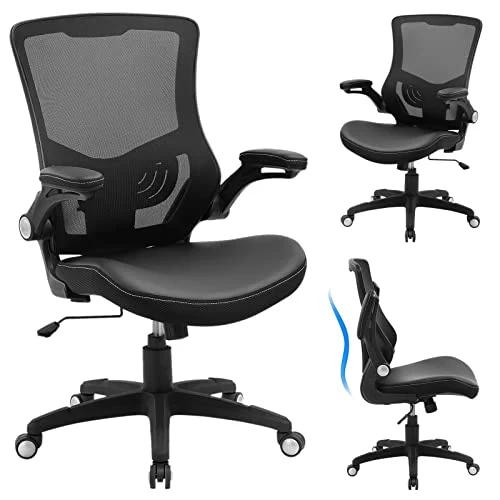
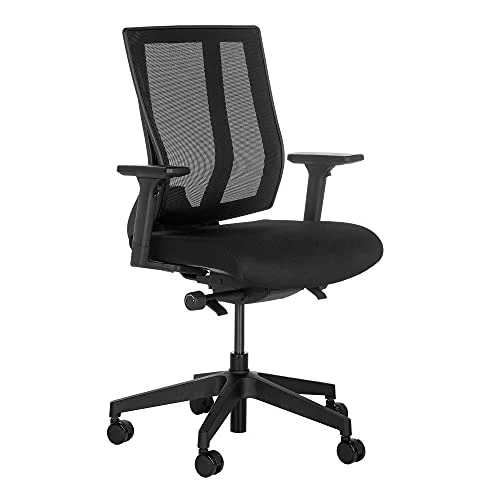
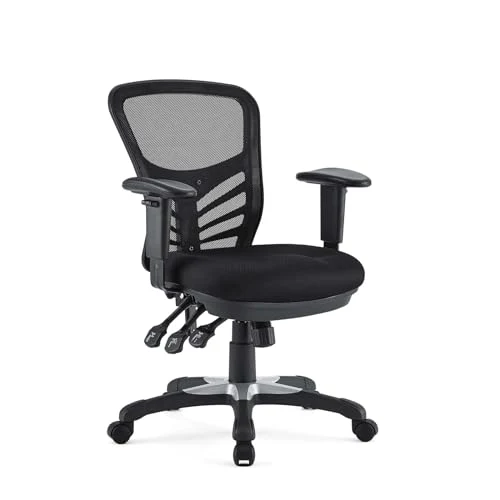
For related guidance on the chair side of the arrangement, see what to look for in an office chair for back pain. The chair, desk, lamp, monitor, and storage path should be treated as one working arrangement rather than unrelated furniture choices.
Preventive Measures: Keep the Office Organized After the Initial Reset
Step 10: Create a closing routine that takes less effort than a clear-out
An office becomes cluttered again when the system asks for too many decisions. If every pen needs a special location or every document requires a complicated category, objects will remain where they were last used. Reduce the number of choices and make the return path obvious.
At the close of work, return active supplies, move papers to their next-action folder, put personal items in the personal zone, and check that the desk remains clear enough for the next session. The routine should also include a quick glance beneath the desk so a cable has not slipped into the walking route.
A maintenance routine succeeds when returning an item takes less effort than leaving it in place. If that is not true, move the storage location closer or simplify the category.
Step 11: Review the system when work changes
Review the office whenever the work pattern changes, a project ends, a household responsibility moves into the room, or the desk repeatedly accumulates the same object. A recurring reset can be tied to an existing work-from-home routine rather than a fixed calendar date.
Look for evidence rather than relying on an ideal layout:
- A supply repeatedly left on the desk probably belongs closer to the point of use.
- A drawer that fills with mixed objects needs a narrower purpose or a better label.
- A paper pile that never moves may need a clear decision category.
- A computer desktop covered with downloads may need a digital intake folder.
- A cable that repeatedly crosses a walkway needs a new route, not another tie.
The cost of maintaining an organized office is mainly the time and attention needed to return, review, label, scan, or securely dispose of materials. There is no need to assume that a larger collection of containers lowers that cost. A smaller system with clear homes can require less ongoing effort than a crowded system with more storage capacity.
Step 12: Keep personal belongings from taking over work storage
Personal belongings enter home offices because the room is convenient, not because they belong to the work system. Give household items a defined personal zone, even if that zone is only one drawer or shelf. The boundary matters most for things that interrupt work: mail, hobby materials, chargers, keys, and papers awaiting a household decision.
Use visual separation as well as labels. Work folders can occupy one drawer section, household documents another, and personal items a separate container or shelf. This arrangement makes the office easier to share and reduces the chance that a work document will disappear into a household pile.
Work materials remain easier to manage when household and personal belongings have separate storage homes. A separate home does not have to be large; it only needs to be consistent.
Step 13: Use low-cost changes before adding storage
Maintenance cost deserves a practical definition. It includes replacement labels, folders, ties, printer materials, scanning effort, secure disposal, and the time spent searching for something that lacks a clear home. Before adding another cabinet or shelf, adjust the layout, remove duplicates, and improve the lamp position.
Low-cost organization can rely on categories, reused folders in good condition, clear handwriting, and a better route between the desk and filing cabinet. The guide to inexpensive home organization ideas offers related ways to start with layout and sorting rather than treating new storage as the first answer.
Storage capacity is useful only when it supports workflow. A full cabinet can hide disorder just as effectively as a full desk, while a modest filing system can work well when each category has a boundary and each paper has a destination.
Frequently Asked Questions
How do I decide what should stay on my desk and what should be stored away?
Keep items on the desk when they support the work currently performed there and would cause repeated friction if stored away. Move reserve supplies, completed papers, occasional reference material, and personal belongings to drawers, shelves, or a filing cabinet. The desk should retain an open working area, while the storage system keeps less active items available without competing with current work.
What is the best way to organize papers in a home office?
Use a short sequence of destinations such as to act, to file, to scan, and to dispose. Keep active papers upright and visible, then move completed records into labeled folders or a filing cabinet. Match paper categories to digital folders so the same project or household function is recognizable in both places. Sensitive records should be stored out of sight and securely shredded when disposal is appropriate.
How can I keep computer cables from becoming tangled again?
Plan the route from the power source to each device before gathering cables. Use a cable management tray beneath the desk, label similar cables, and leave enough slack for normal device movement. Keep cables away from walkways, ventilation openings, spills, and heat sources. Never overload a power strip or connect power strips in a chain; check the device and power-strip instructions for the permitted arrangement.
How often should I review and reset my home office organization?
Review the system whenever the same clutter returns, a project ends, or your work pattern changes. A small closing routine can handle daily returns, while a broader review can address obsolete papers, unused supplies, digital downloads, and cable routes. The right frequency is the one that prevents a small correction from becoming a full clear-out.
How should digital files match a paper filing system?
Use the same broad categories for both systems, such as project, client, household, or administrative function. Keep drafts separate from final documents and give scanned files descriptive names before saving them. Paper that requires retention should have a clear physical location, while digital copies should have a defined folder. Matching structures reduce searching and prevent desktop clutter from replacing paper clutter.
For more ideas on making a compact room feel calmer, see ways to make a small home office feel bigger. A lighter room, a clear desk, and storage arranged by use will do more for daily order than adding containers without changing the workflow.